
🚀 Introducing the "Search Ads Analysis" for App Store
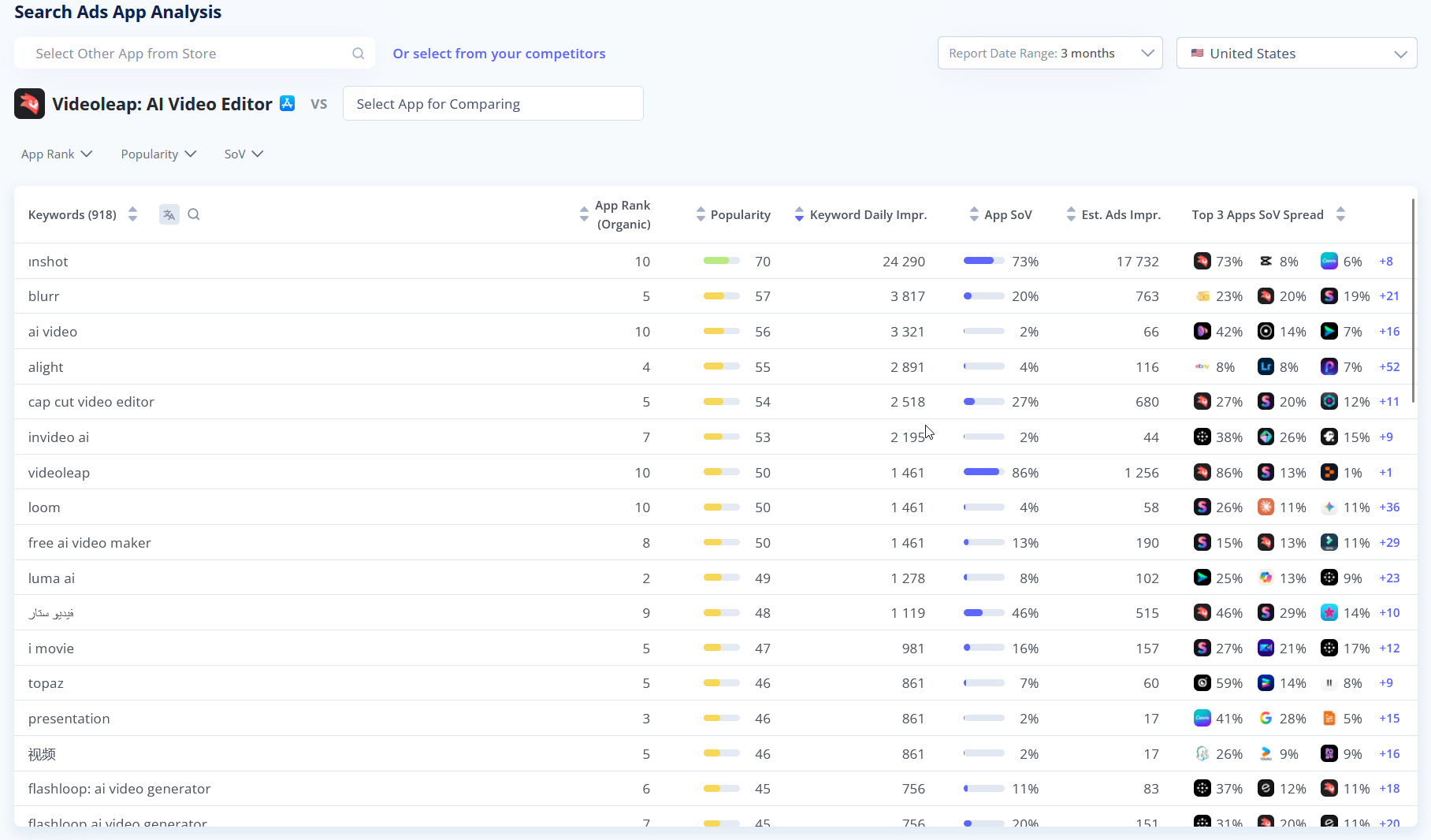
We’ve launched App Analysis for Apple Search Ads. You can now see which keywords an app is running ads on. This is the first tool in our new Search Ads section. More coming soon.
- Analyze Any App: Instantly access a detailed breakdown of any app's Search Ads foo]tprint. Track crucial metrics like Bidding Apps, Share of Voice (SoV), Keyword Popularity, Estimated Ad Impressions, and Organic App Rank all in one place.
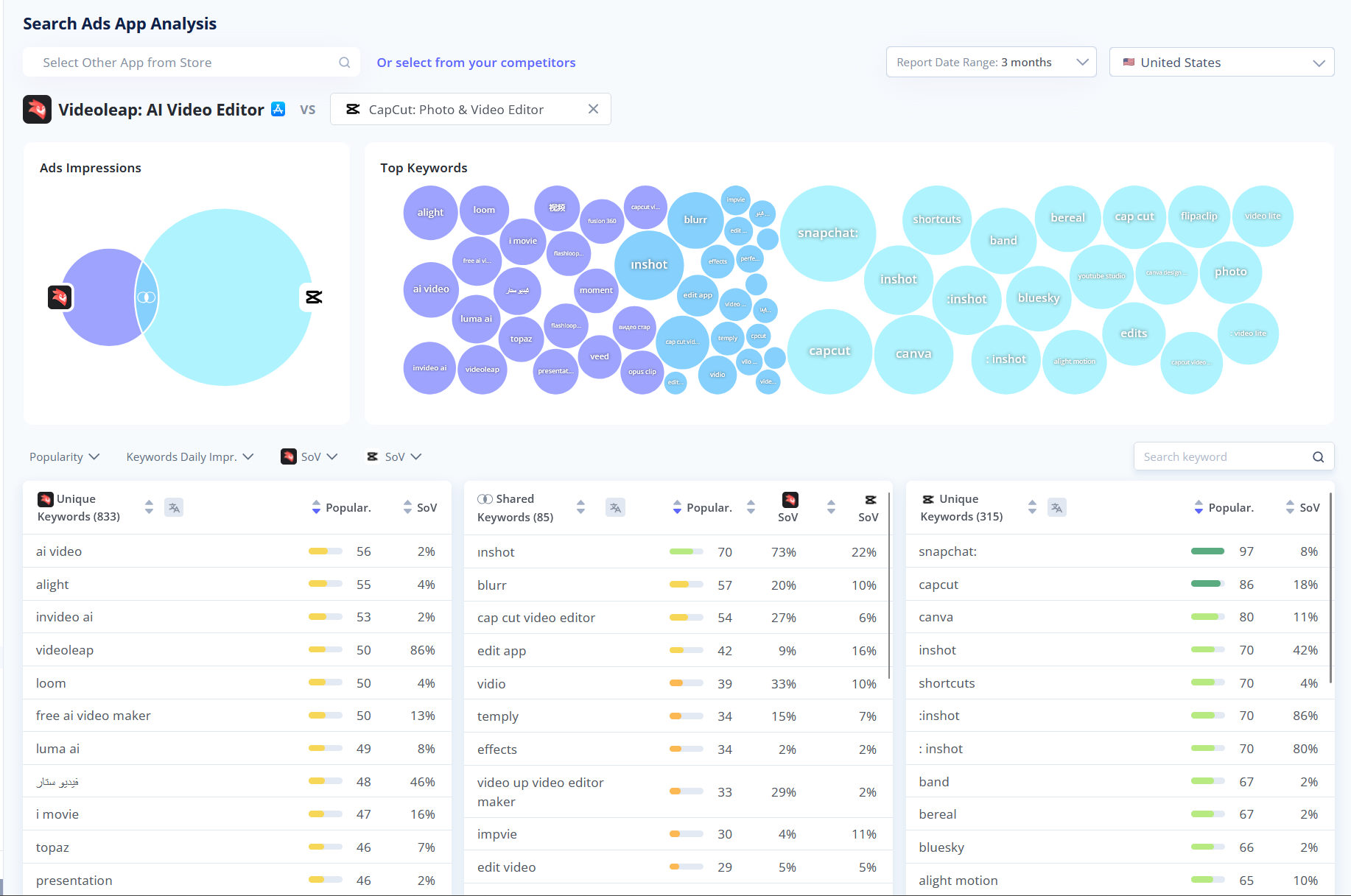
- Head-to-Head Competitor Comparison: Ready to see how you stack up? Click the "+" (Compare) button to compare with other apps buying ads for same keywords. Visual Data & Keyword Gaps easily identify Shared Keywords to see who is winning the SoV battle, and uncover Unique Keywords your competitors are bidding on (but you aren't!).
🗂️ My metadata & Apps Metadata improvements
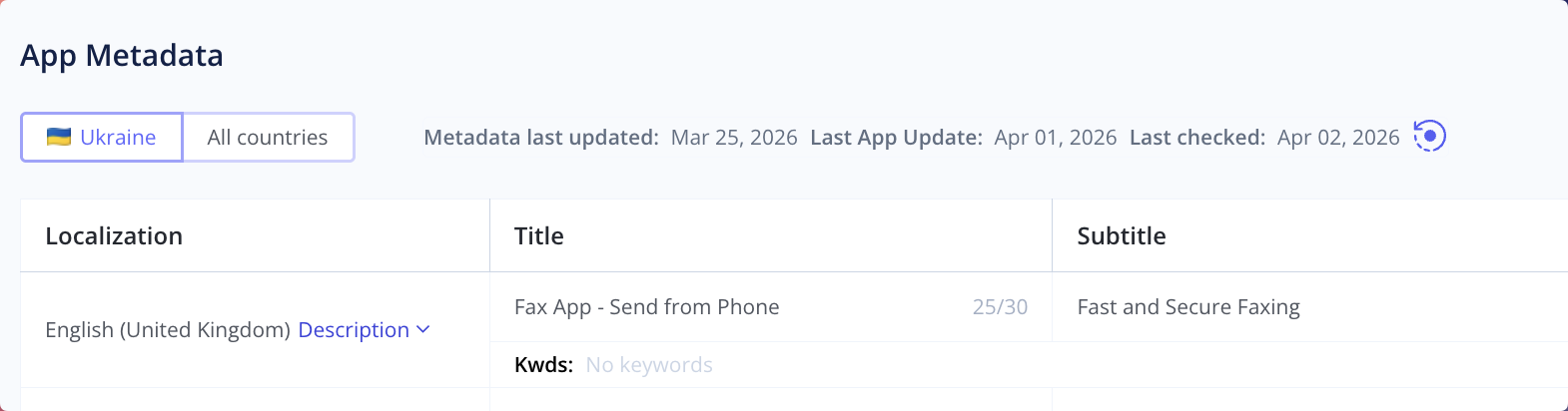
We've released a new Metadata tab, available right inside your main Dashboard and updated Metadata section in App Analyzer.
Here is what you can do with the new dashboard:
- Switch beetween locales from current country and all countries
- On-Demand Data Refresh: You can now manually trigger a metadata check by simply clicking the refresh icon next to the "Last checked" date to pull the absolute latest info.
💡 Quicker Access to Help & Feedback
We’ve made a small but mighty tweak to our interface to ensure you can always find help or share your thoughts without breaking your workflow.
Here is what changed:
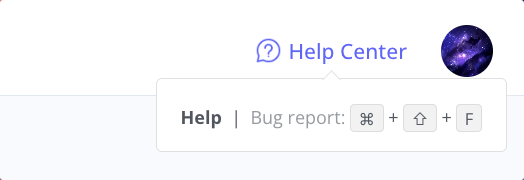
- Help Center Relocated: We've moved the Help Center and Bug Report link to the top right corner of your screen. It's now always within easy reach, right next to your profile!
- New Feedback Hotkey: Got a feature request or spotted a bug? You can now instantly trigger the feedback form from anywhere on the platform using the new
Ctrl + Shift + Fshortcut. Fast and seamless!