Updates
Asolytics Product Update 13.03.2026

⬆️ New Features


Market Research Updates

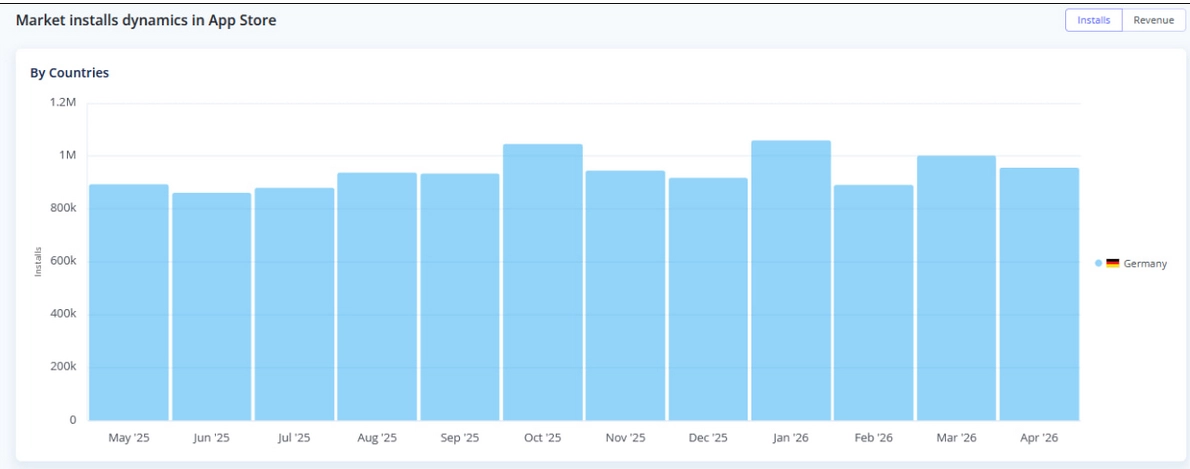
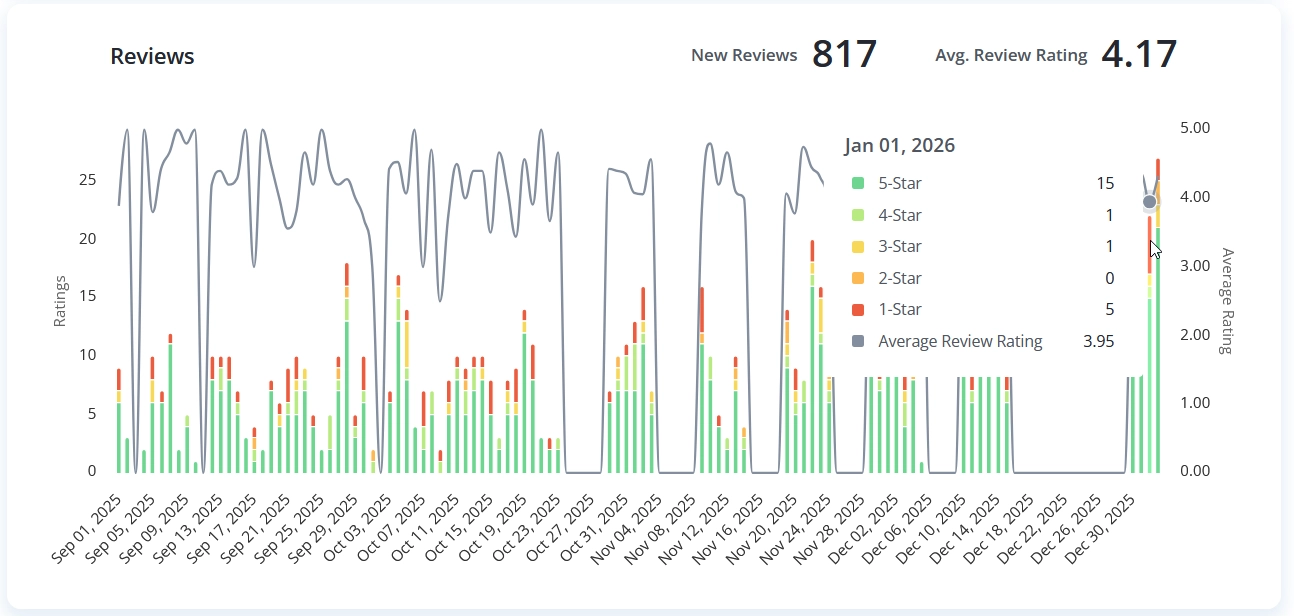
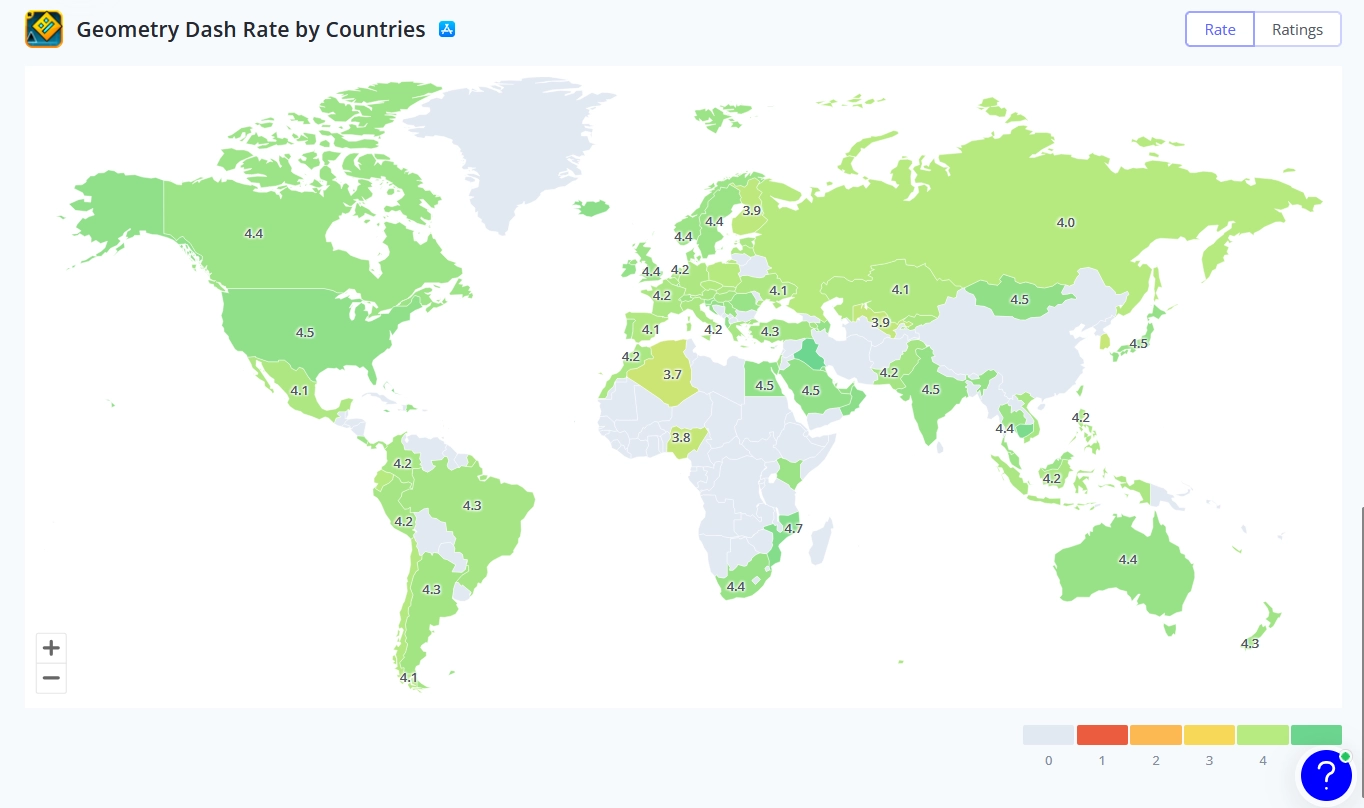
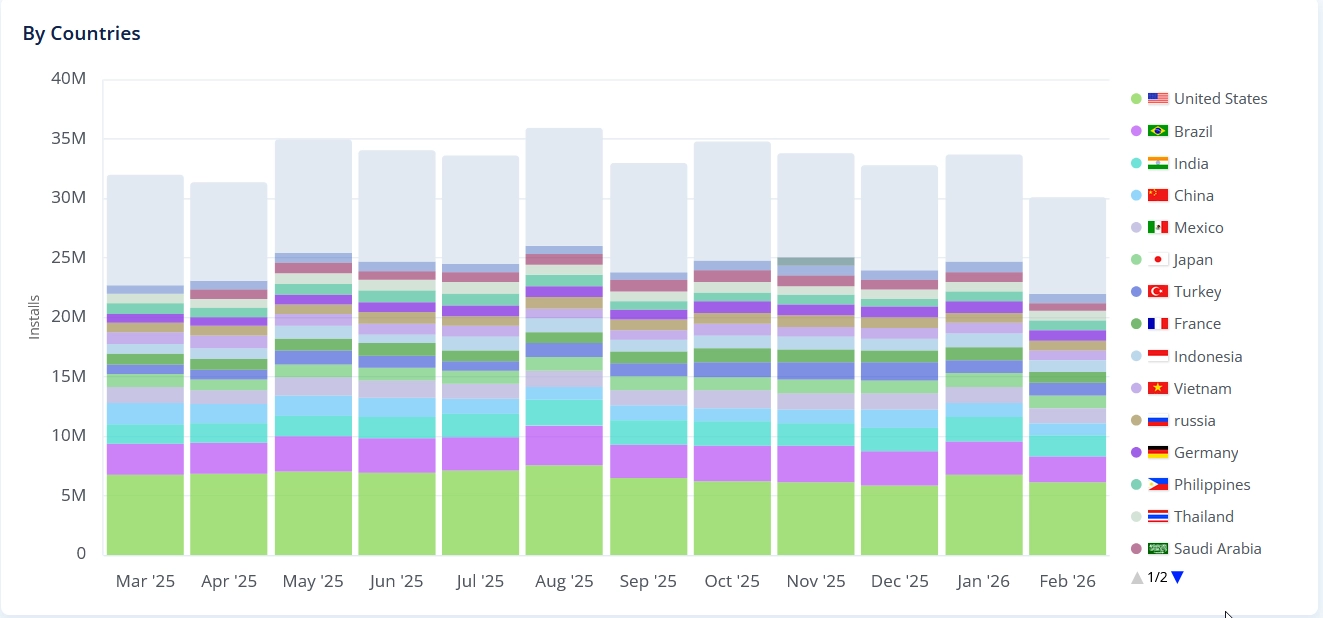
  • New Color Palette: We harmonized the colors to create a cleaner, more cohesive visual experience.

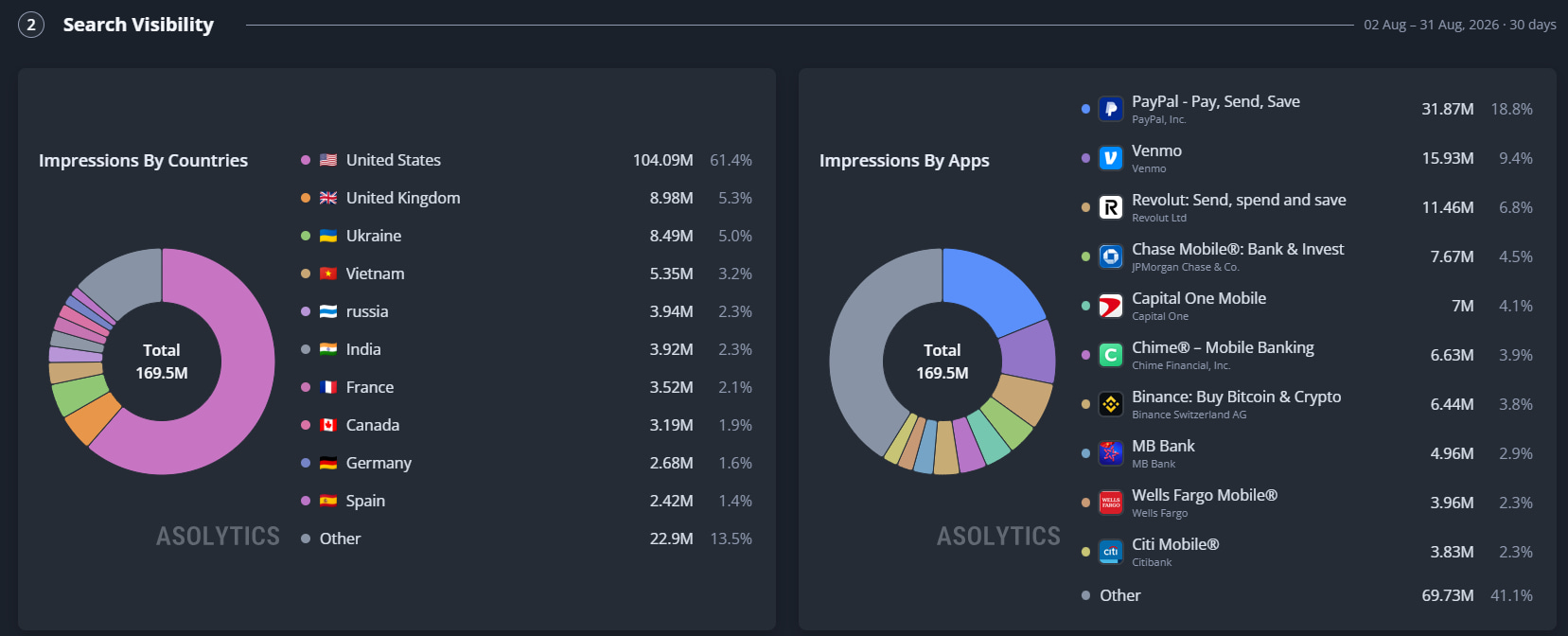
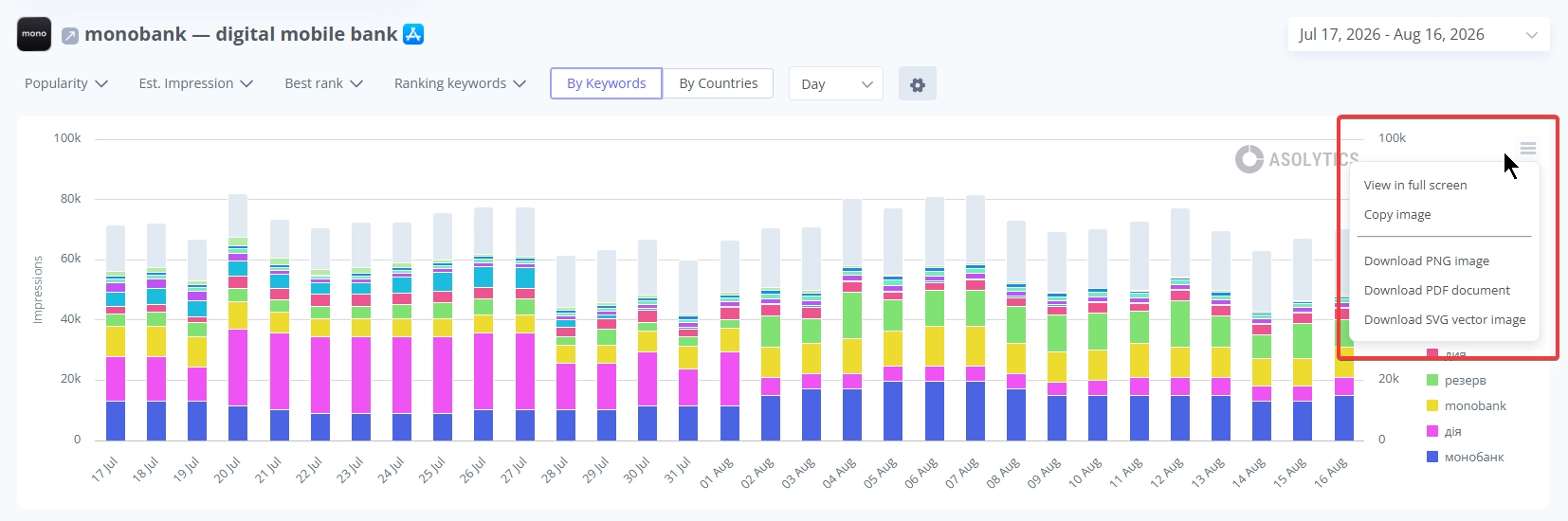
  • Improved Legend Sorting: Countries in the legend are now logically ordered from largest to smallest for quicker data reading.
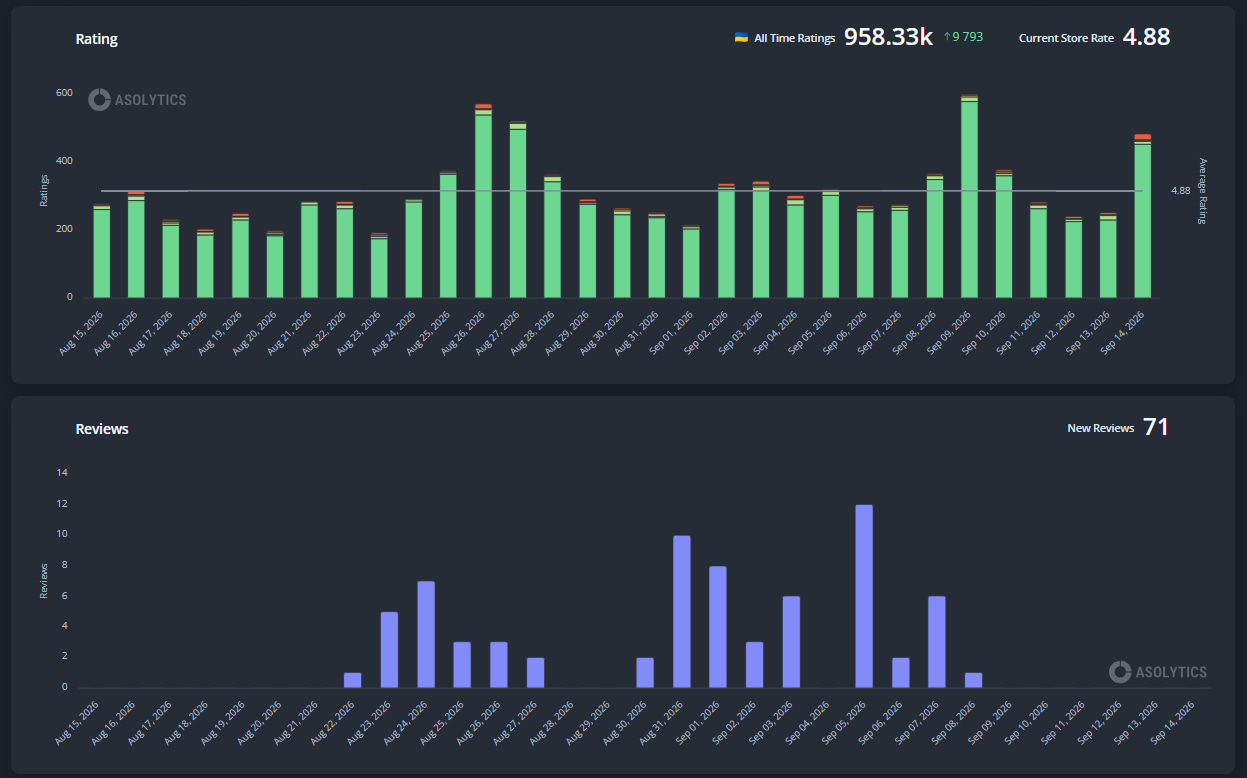
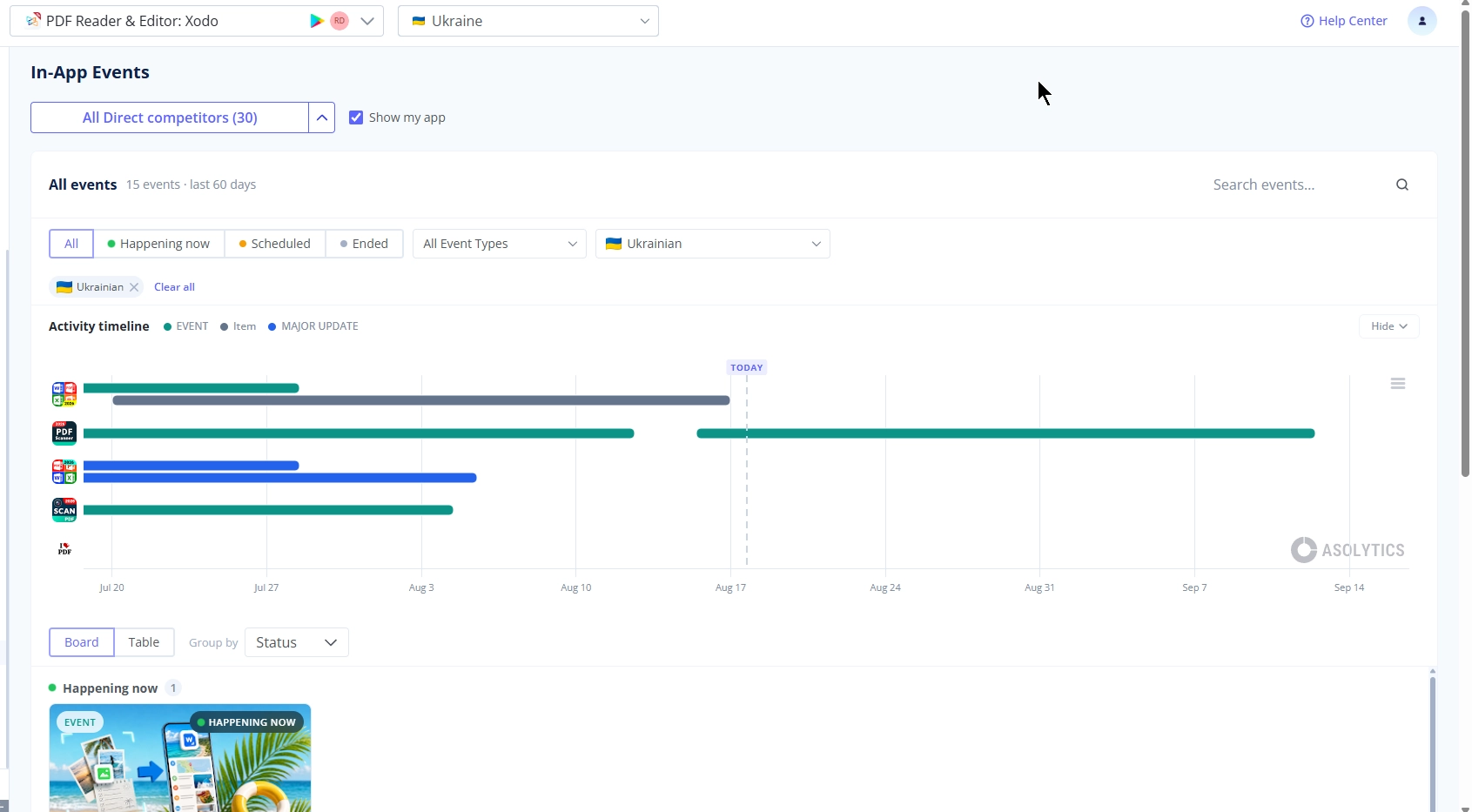
  • Clearer Timelines: Added year indicators alongside the months to provide better context at a glance.


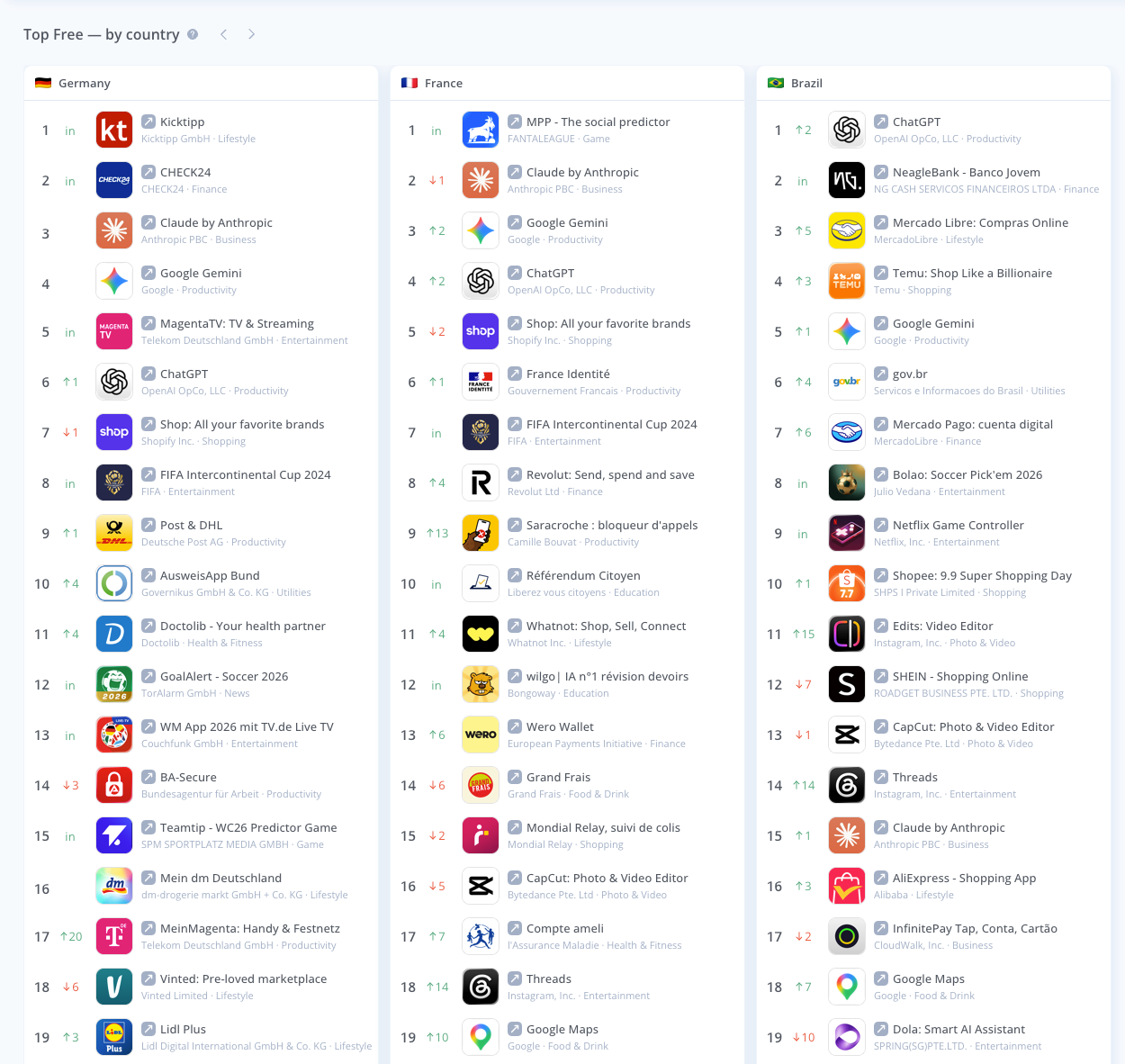
Market Intelligence Update

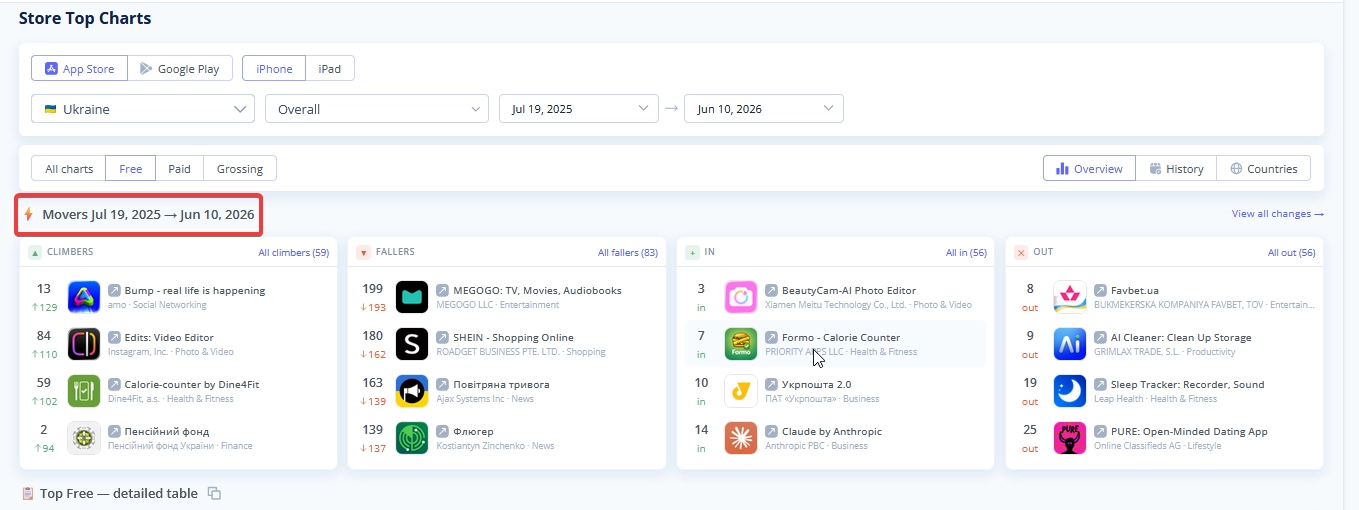
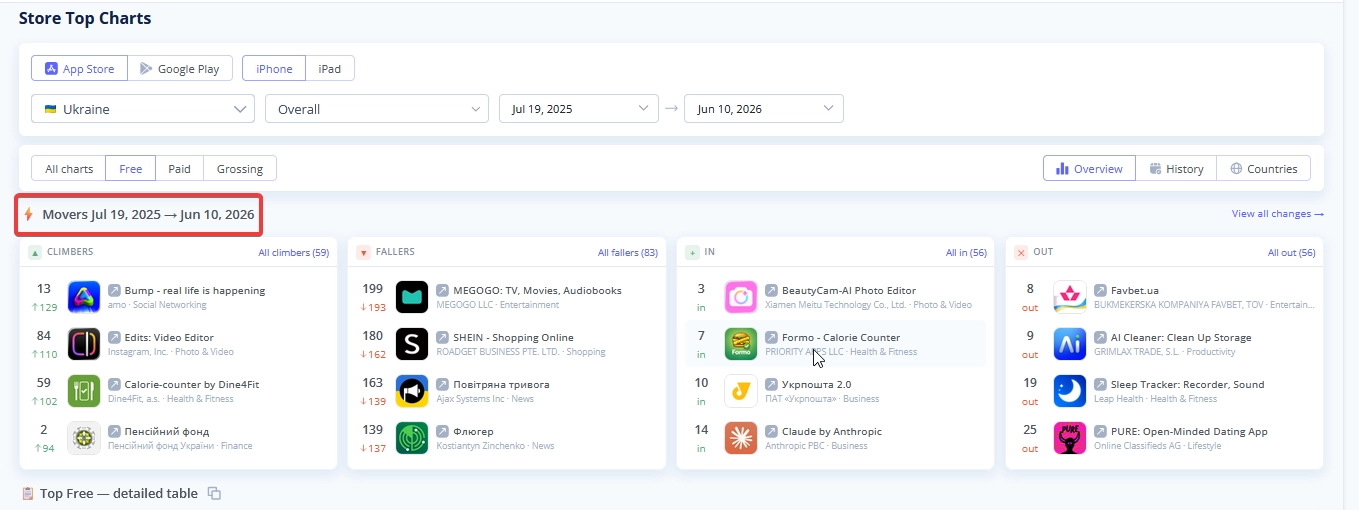
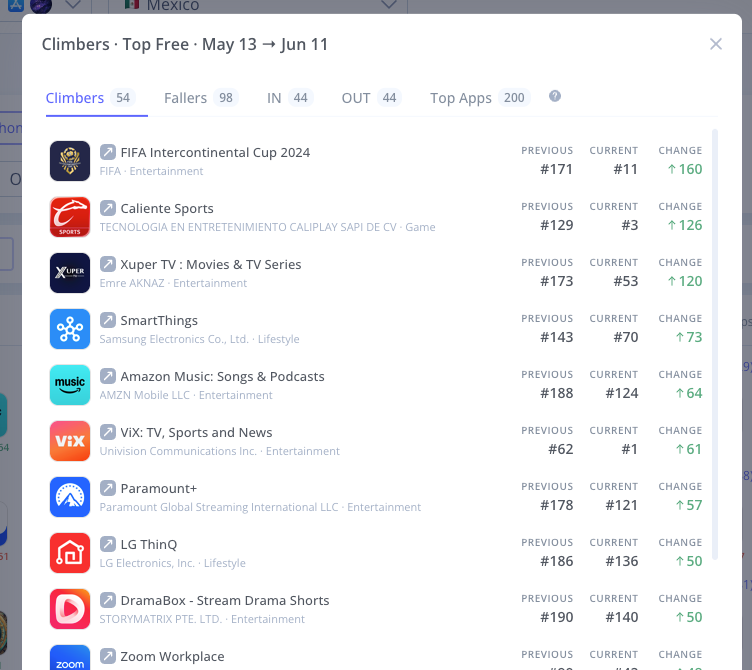
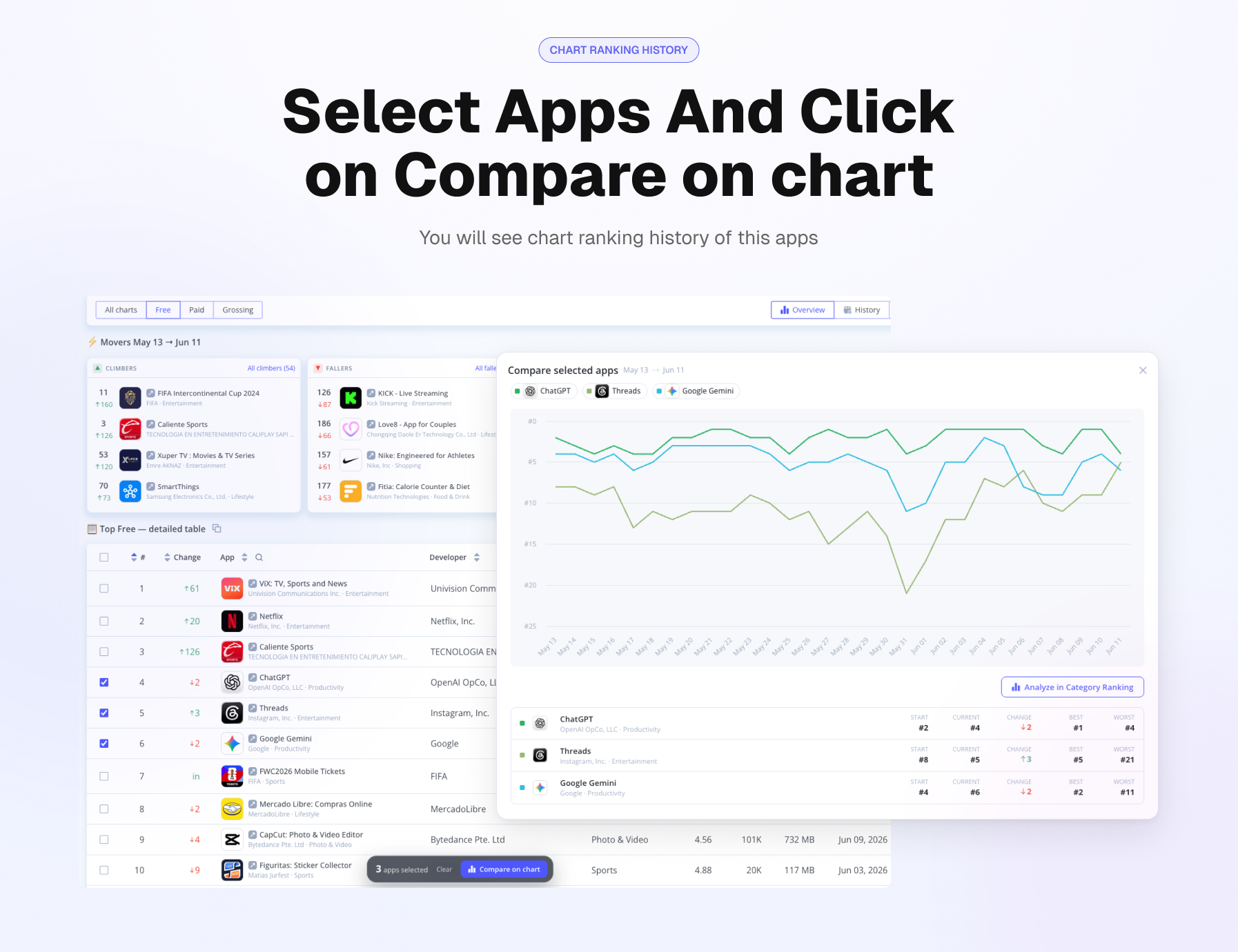
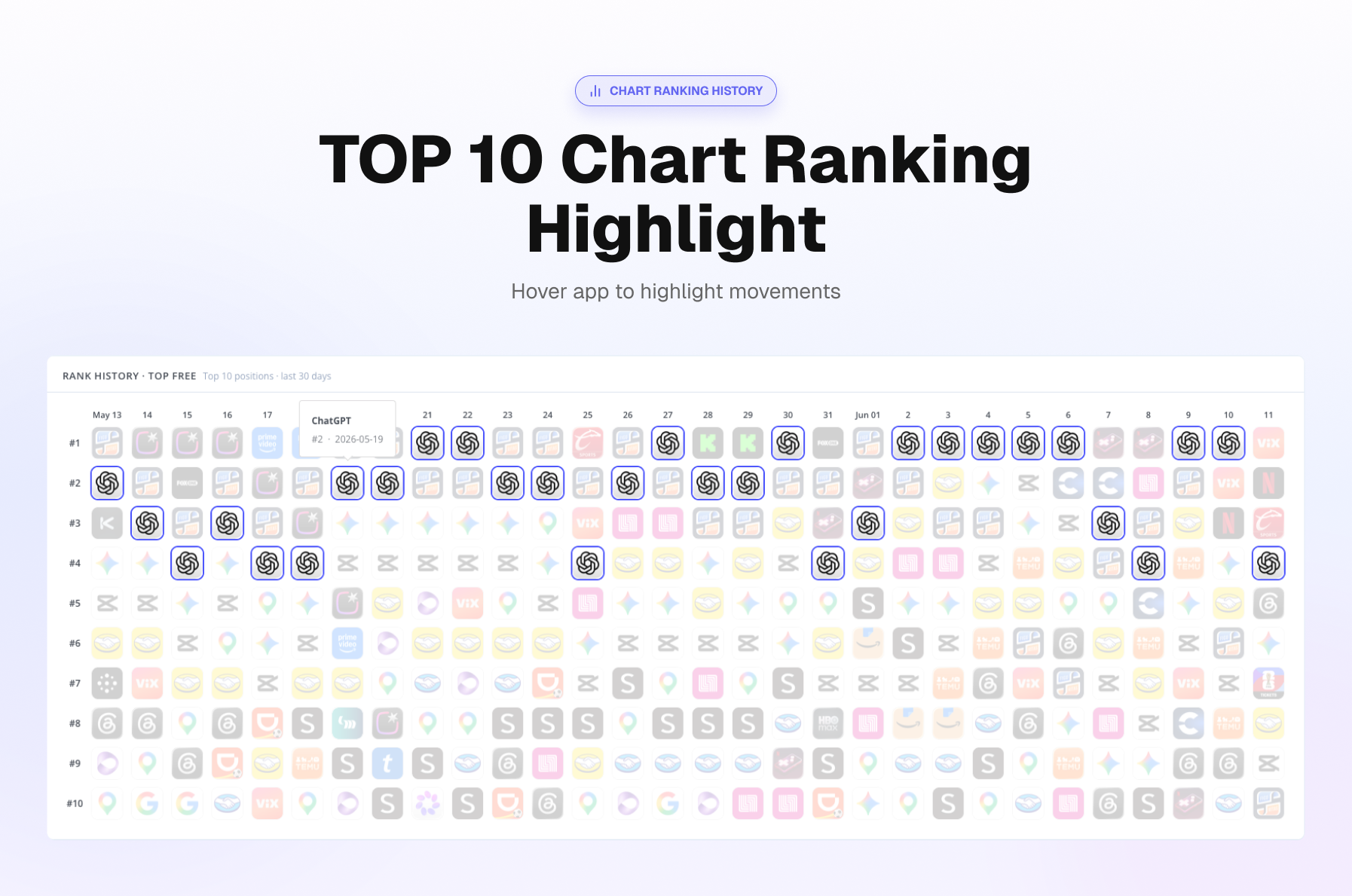
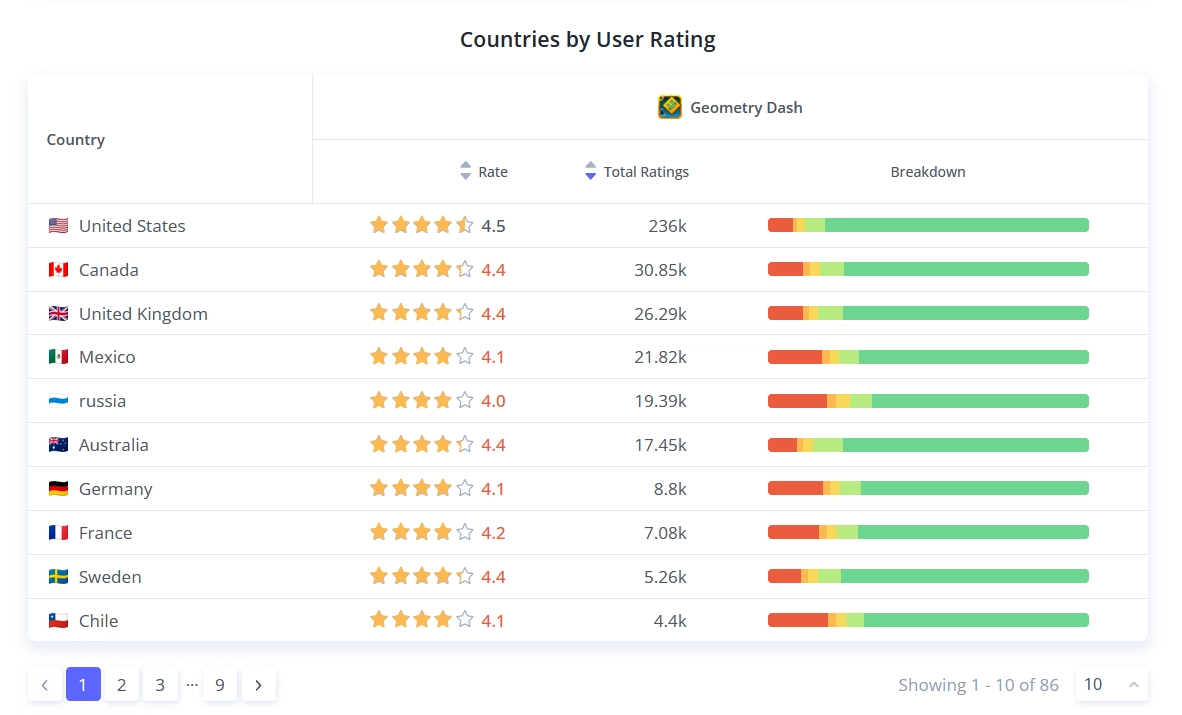
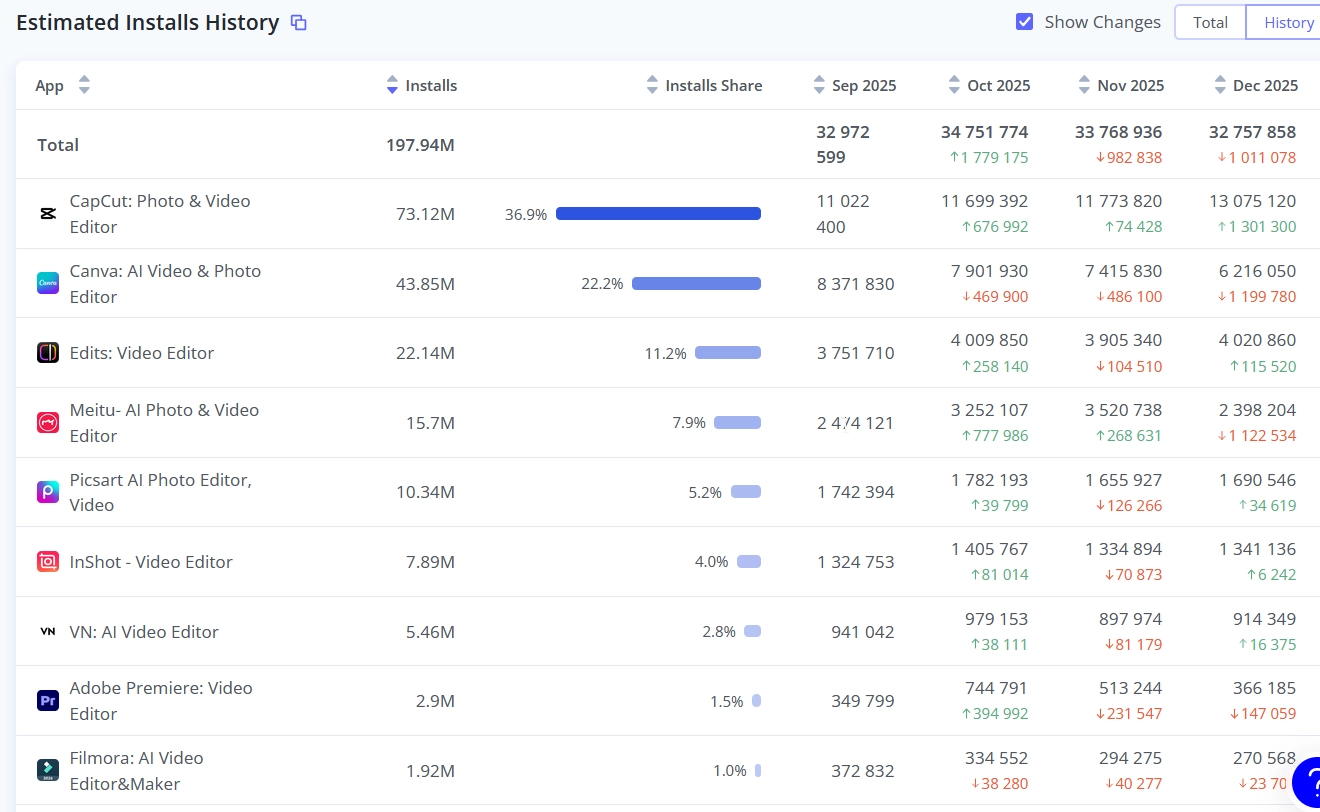
  • History Mode Introduced: We’ve added a new History Mode, allowing you to easily track changes and review past data states.
  • Quick Table Copy: You can now instantly copy data tables to your clipboard for effortless sharing and external analysis.


Auto-Scroll on Pagination

Seamless Table Navigation: The view now automatically snaps to the top of the table when switching pages, so you can immediately start reading the new data.


Meta Editor Coverage History

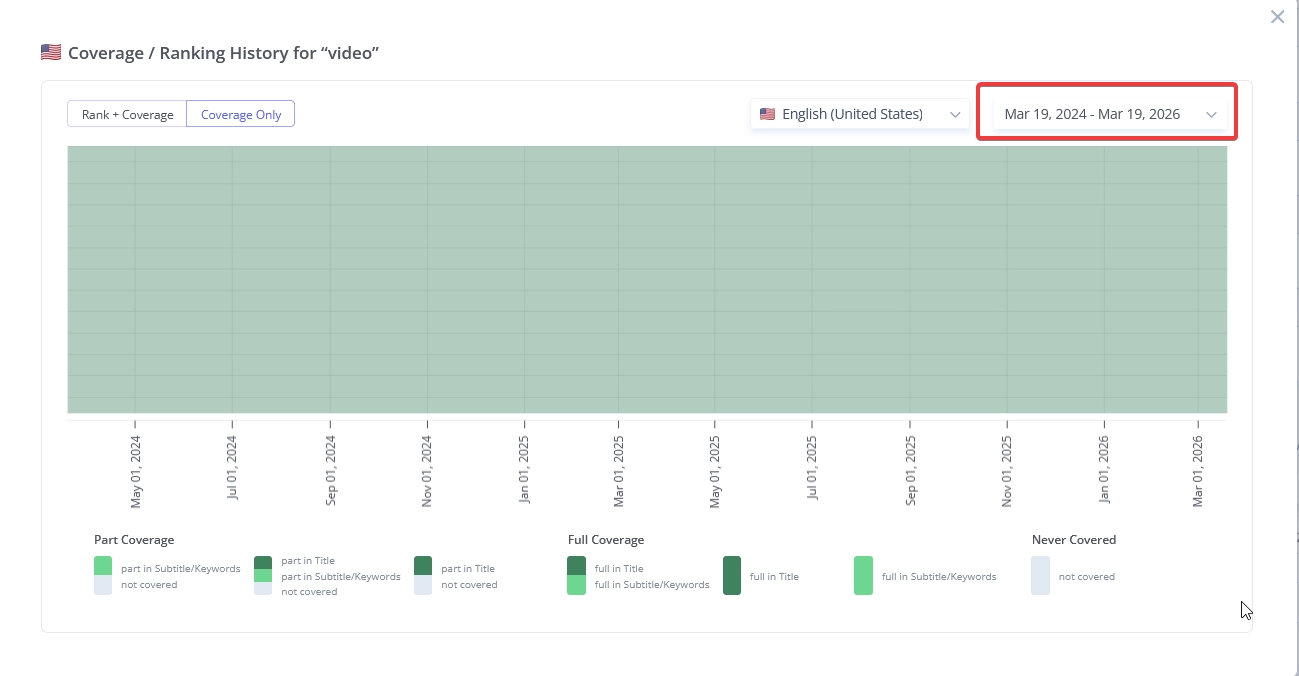
Adjustable Data Limits: Added the ability to define custom ranges for historical keyword coverage, guaranteeing optimal visual presentation and a clean interface.


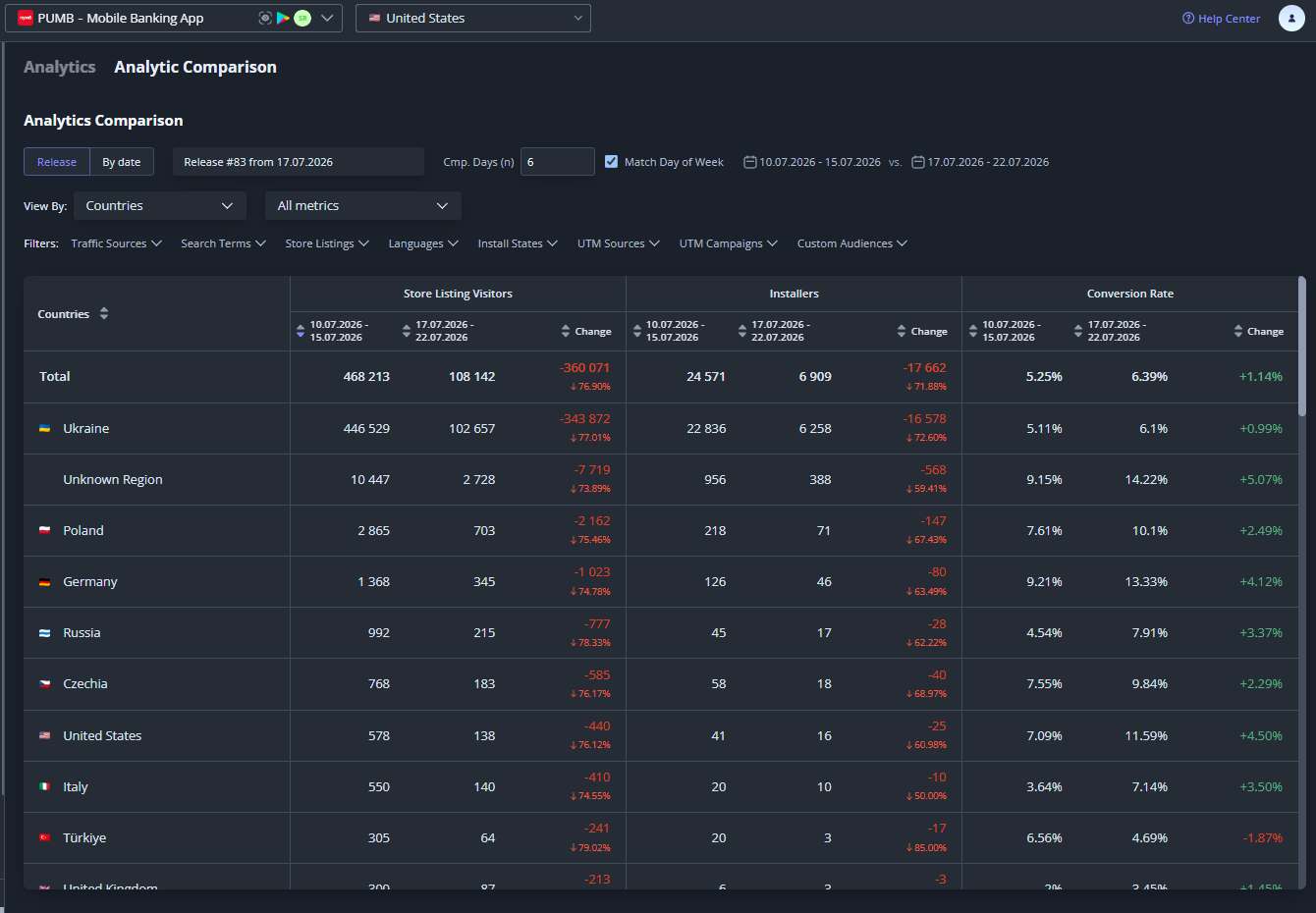
App Store Analytics & Analytics Comparison tools improvements

  1. Fixed: Data synchronization issues for single periods between Analytics and Analytics Comparison.
  2. Fixed: "Total" calculation logic for date differences in Analytics Comparison.
  3. Fixed: Column sorting behavior.
  4. Fixed: Pagination logic incorrectly counting collapsed rows.
  5. Updated: Replaced "n/a" with "0" for missing values in data displays.
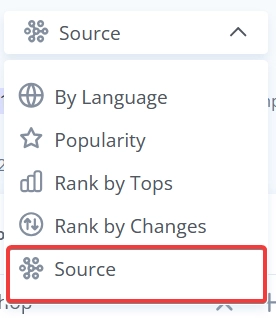
  6. Improved: UI layout by moving the country selector and redesigning the Source filter.
  7. Added: Sticky table headers for vertical scrolling.
  8. Added: 6-hour session memory for date picker selections.
  9. Aligned: Bar chart visualization to display larger segments at the bottom, matching other reports.

🐞 Fixes:

  • Live Search: Fixed disappearing Total Apps metric on country update.
  • Search Visibility: Fixed competitor count displaying "-1" instead of "0" when no competitors are selected.
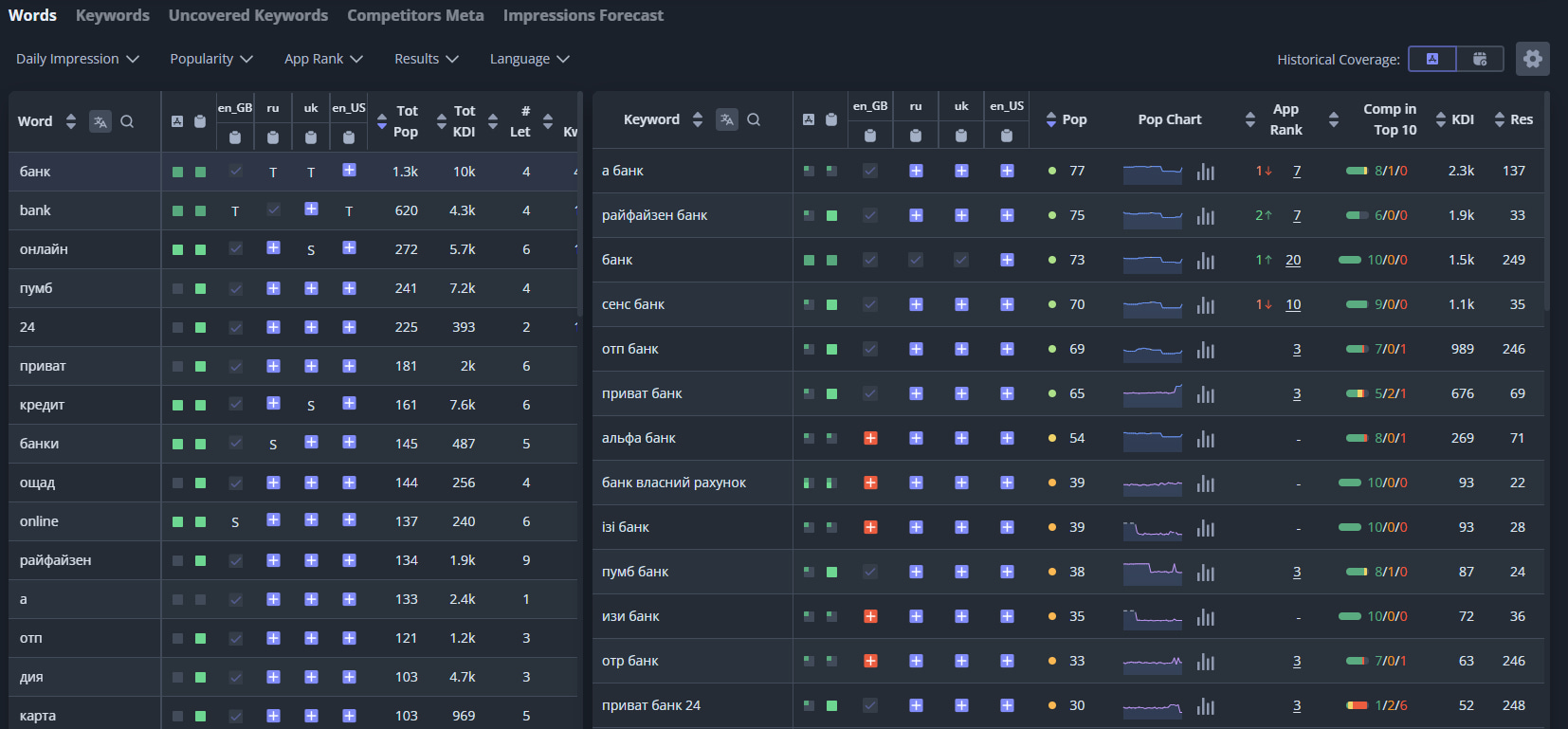
  • Sorting: Corrected highest-to-lowest sorting logic for App Rank.
  • App Analyzer: Fixed an issue where app icons wouldn't refresh during searches.
  • Navigation: Resolved unresponsive menu items after a tab remained idle.
  • Global Tracker: Fixed vertical scrolling behavior in Firefox.
  • Routing: Fixed an issue where product links forced a redirect to the last viewed app.
  • Settings: Fixed the "Name" field not syncing with the My Organization view.
  • UI: Fixed avatar distortion (squishing) for users with long names.


2 weeks ago
Improved Analytics and Analytics Comparison Tool

We've refined Analytics and Analytics Comparison tools for better accuracy and usability:


  • Data Accuracy: Fixed Worldwide mode discrepancies and corrected +/- total indicators.
  • UI Improvements: Table headers are now sticky, and source/country filters are more visible. Fixed sorting and pagination issues
  • Navigation: Date selections now persist even after leaving the page.


Check out the updated dashboard to see the changes in action.

last month
New: Google Play Meta Editor & Optimization Assistant

NEW Google Play Meta Editor

We have launched the Google Play Meta Editor, designed for creating and optimizing metadata sets to cover search queries from your semantic core. The tool helps you optimize the Title, Short Description, and Description in the most effective way to ensure coverage of popular keywords across different countries and localizations.


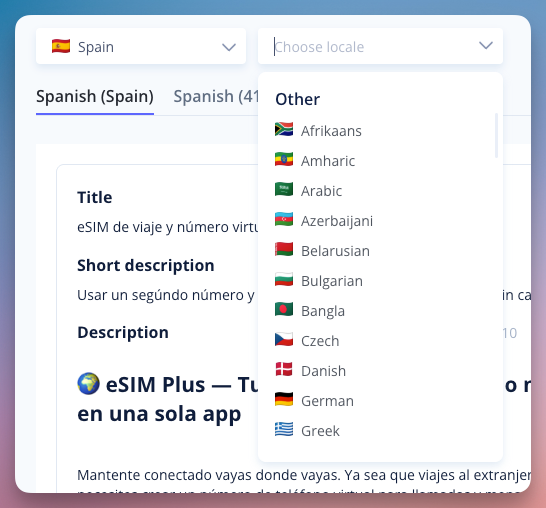
Multi-Localization Support

Edit and manage your app’s title, short description, and full description for different regions within a single interface.


Keyword-Driven Localization

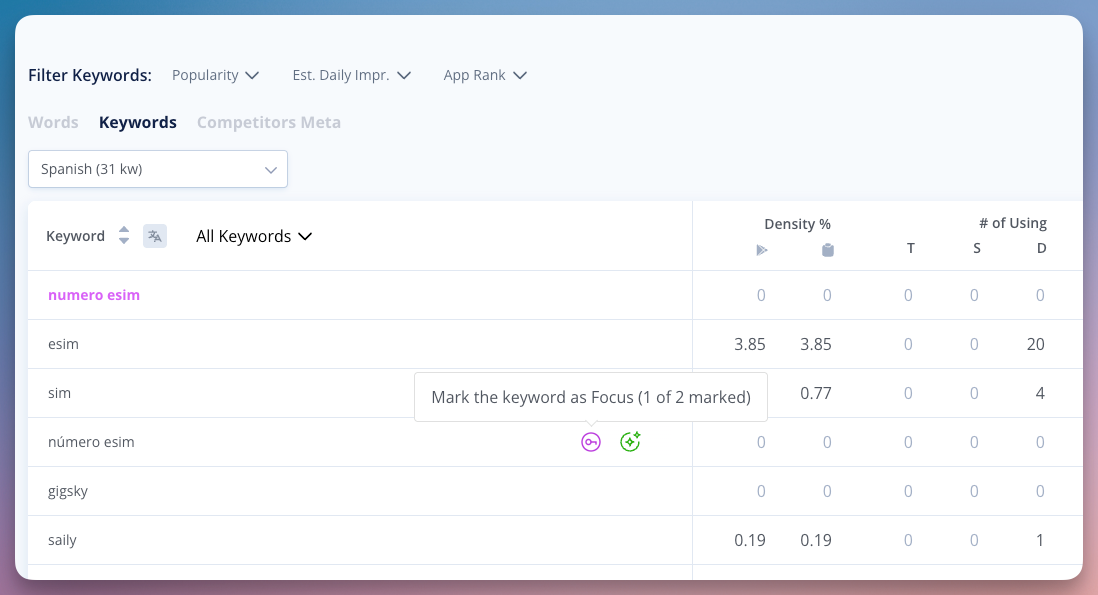
For every localization, you can select two focus keywords and several secondary keywords. This allows you to optimize the Title, Short Description, and Description for maximum coverage of the most popular search queries from your semantic core in each specific country.


Built-in Optimization Assistant

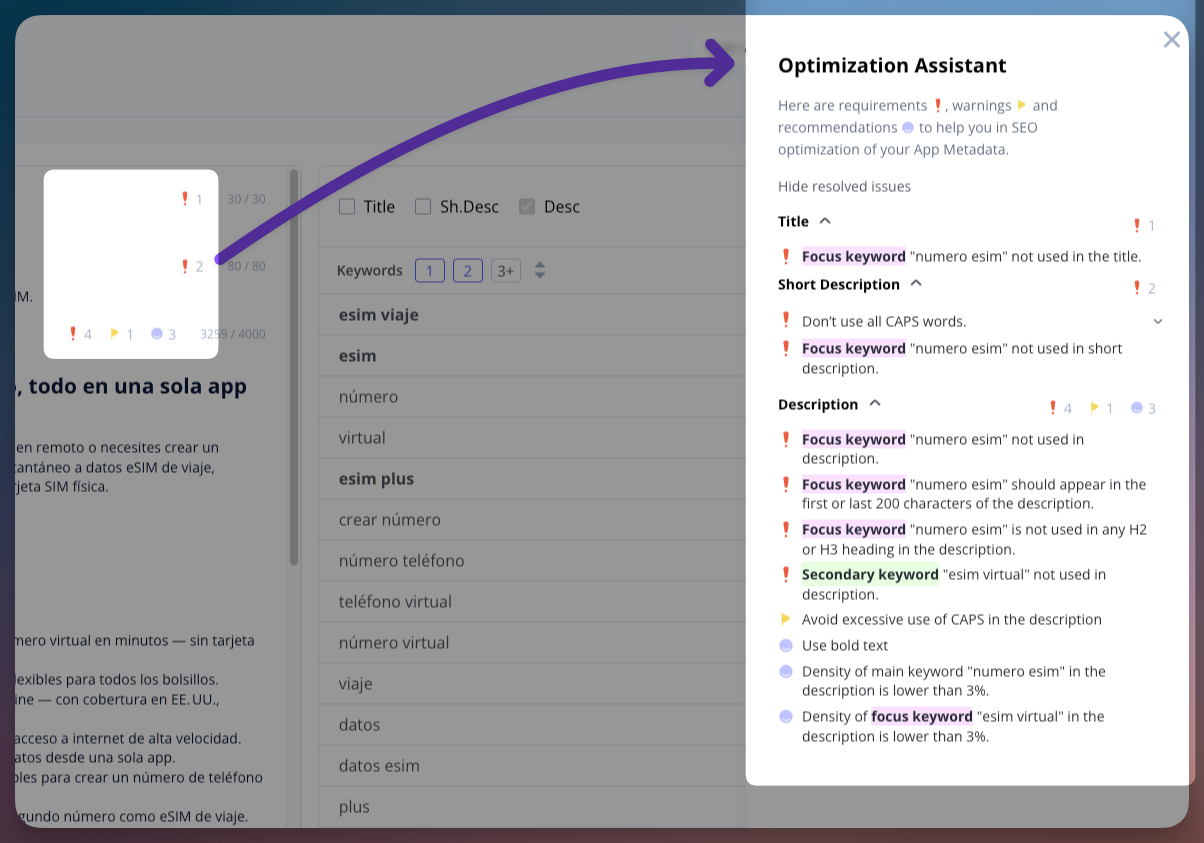
Instead of a separate audit, the editor features real-time indicators directly next to each field (Title, Short Description, and Description). These indicators flag errors and offer specific recommendations based on over 25 optimization parameters, including:

  • Keyword Presence: Immediate alerts if your focus keywords are missing from the Title or Short Description.
  • Density Control: Monitoring the frequency of focus and secondary keywords to prevent over-optimization and ensure natural phrasing.
  • Strategic Placement: Validation of keyword positioning, such as ensuring primary terms appear in the first or last 200 characters of the Description for better indexing.
  • Content Structure: Automated checks for the use of H2/H3 headings, lists, and formatting errors like excessive use of CAPS.


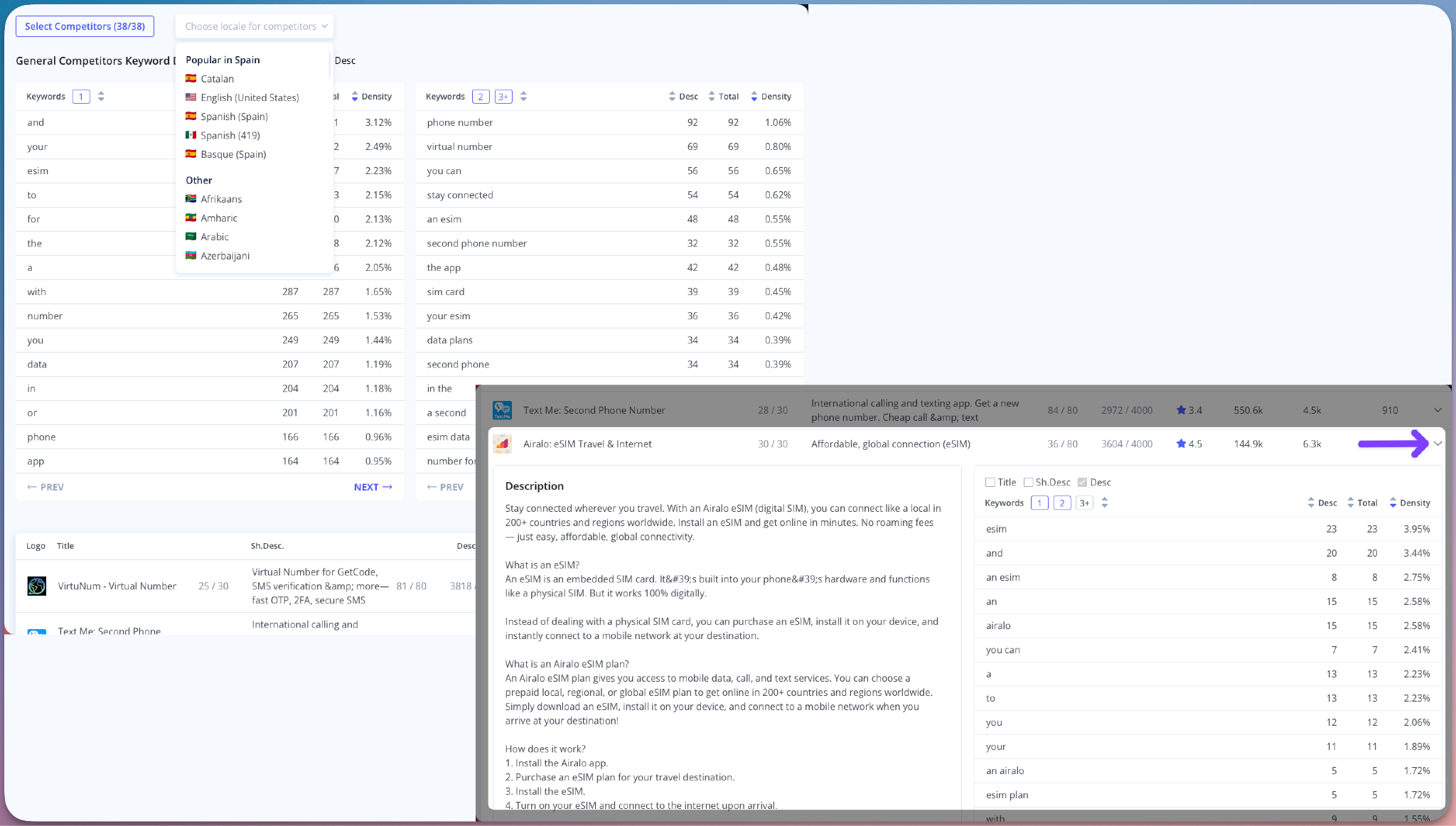
Analyze what competitors are writing in specific localizations. You can view the General Competitors Keyword Density across their metadata. This allows you to compare their Title, Short Description, and Description against your own to identify which keywords they focus in this localization


Easy Competitor Metadata Analysis

Analyze exactly how competitors structure their metadata in any specific localization. By viewing the General Competitors Keyword Density, you can see the frequency of terms used across their Title, Short Description, and Description. This allows you to compare their content directly against your draft to pinpoint their focus keywords and ensure your metadata is positioned to compete effectively in the local search landscape.


The Meta Editor helps you catch optimization mistakes early and prepare your Title, Short Description, and Description to cover as many popular search queries as possible. Instead of guessing if your metadata will work, you can effectively structure your texts to ensure they are technically optimized for search visibility before you hit publish. This ensures your store listing is ready to reach the maximum number of users.

2 months ago
Product Updates Nov 17, 2025

1️⃣ Rank History Chart - now with competitors 🔥

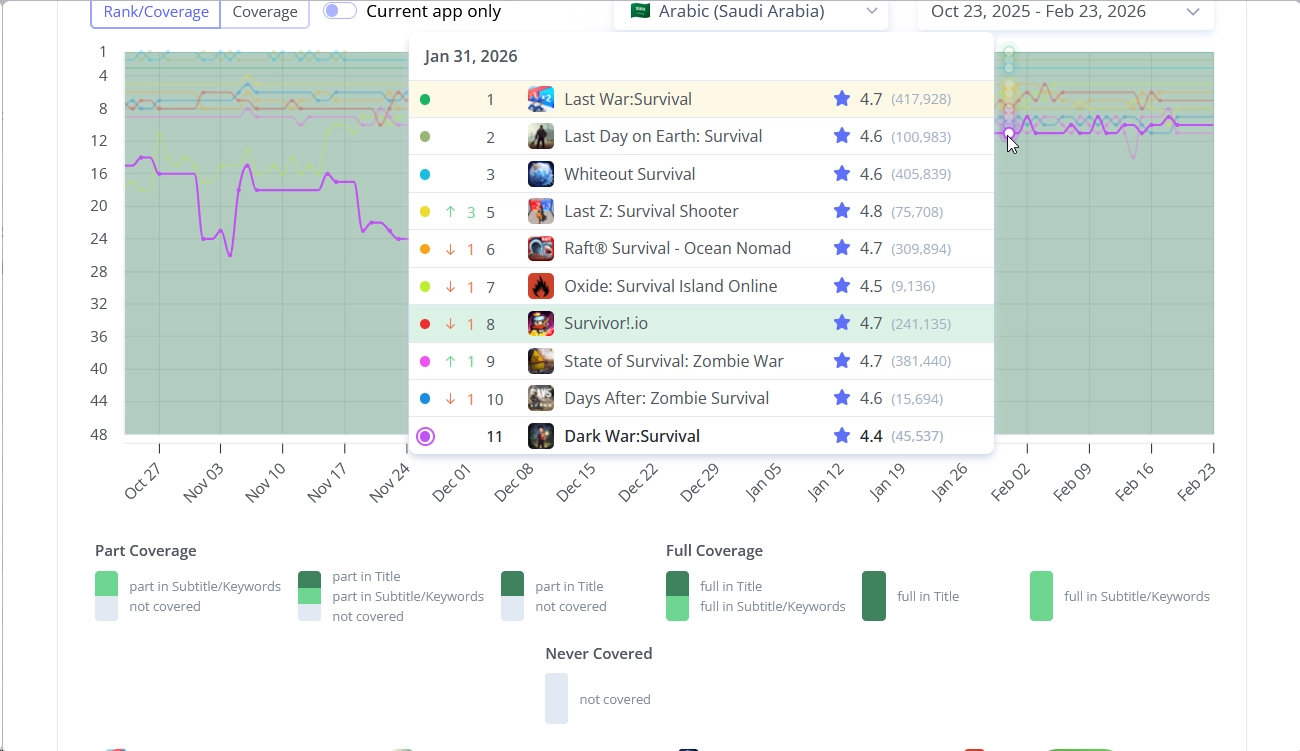
Now you can view not only your app’s ranking history for a selected keyword - but also add and analyze other apps, including your competitors!
→ Go to Tracking Keyword tool and open Rank Chart in the table.

In the Select competitors modal, we’ve added Ranking Apps - all apps that ranked for this keyword during the selected period.

2️⃣ Tracking now has a second viewing mode - the Ranking History Table 🔥

Get a full historical overview of keyword positions for any period.

3️⃣ Impressions, Rank Breakdown, and Comparative Reports can now be generated for a group of queries!

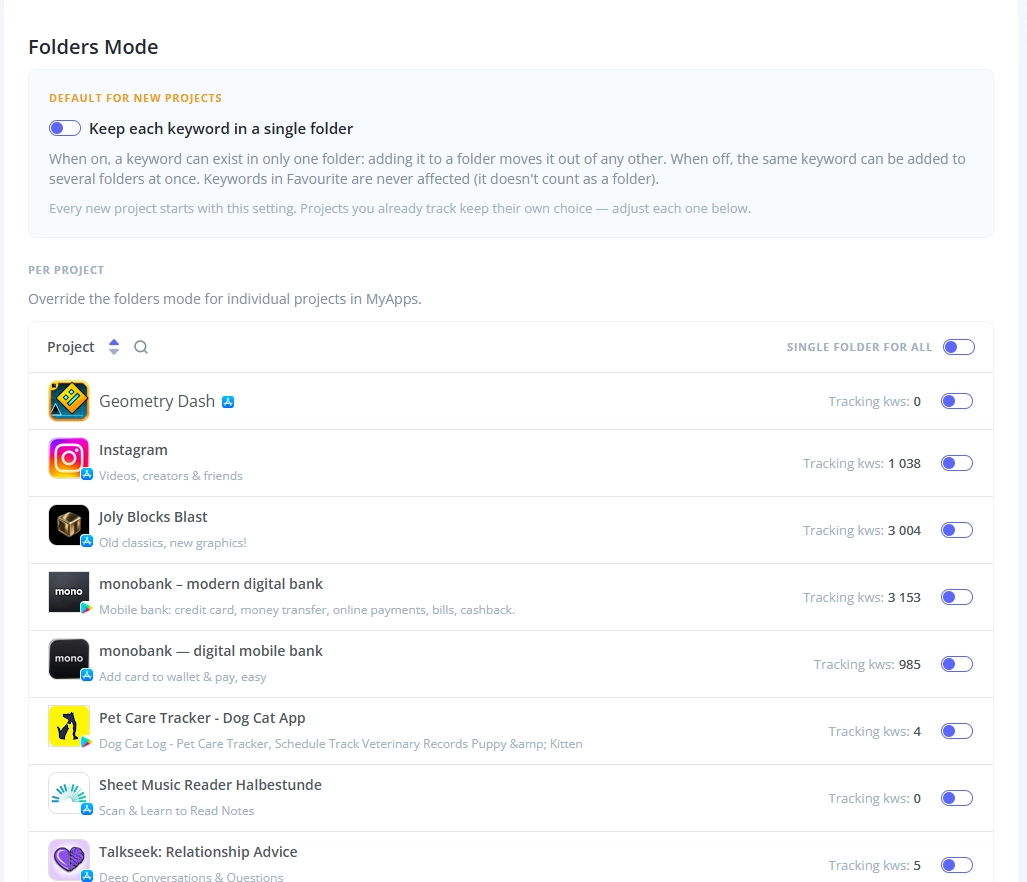
  • to use this feature, ensure your queries are actively tracked within a separate folder
  • select the “Tracking Keywords” report mode
  • you’ll see a new folder selection option for building reports by folder

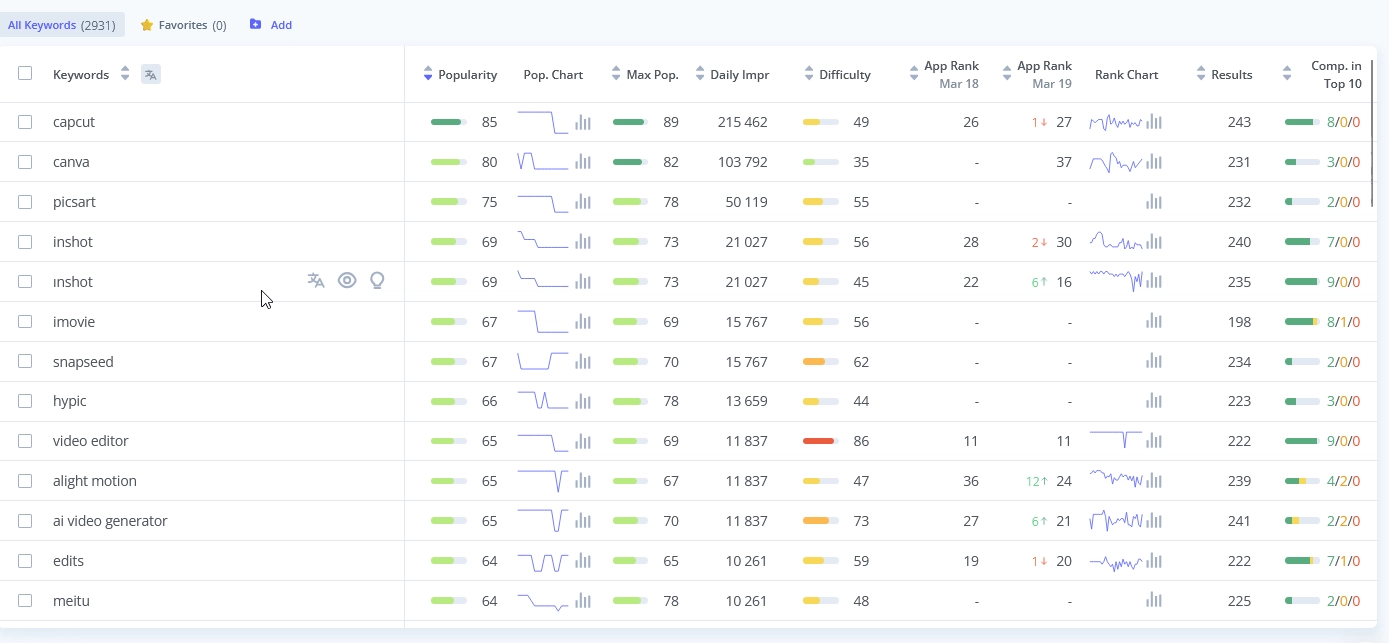
4️⃣ Build Impressions Chart for Selected Queries Directly from the Table!

Quickly build an Estimated Impressions chart for selected queries directly by checking the checkboxes in the table.

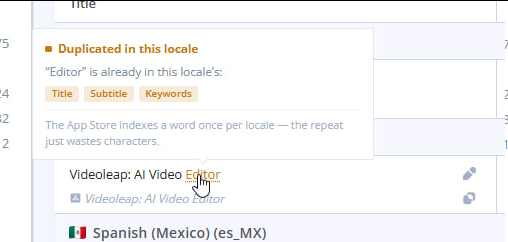
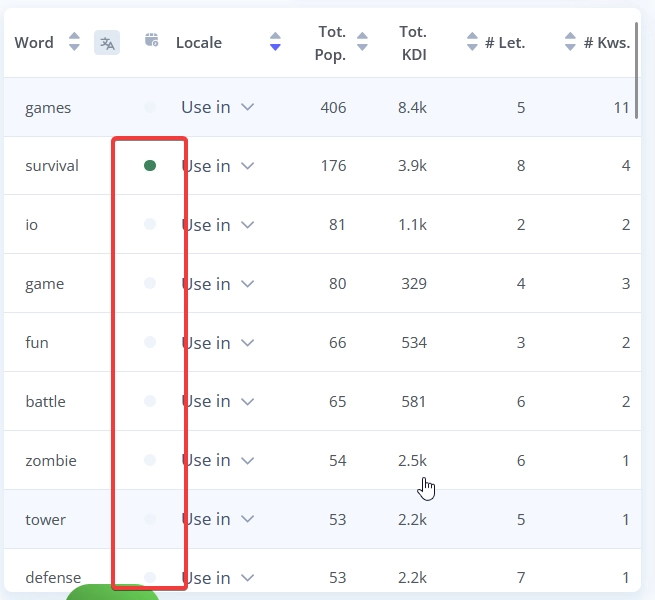
5️⃣  Meta Editor App Store update - now you can select the primary locale!

  • this primary locale setting is used to power localization coverage and forecasting
  • primary locale keywords affects keywords coverage in all countries

by optimizing keywords in the primary locale you can boost keyword coverage worldwideResult:

✅ Other updates

  • Review AI Summary: Removed the 365-day parsing limit - now you can parse reviews from any date.
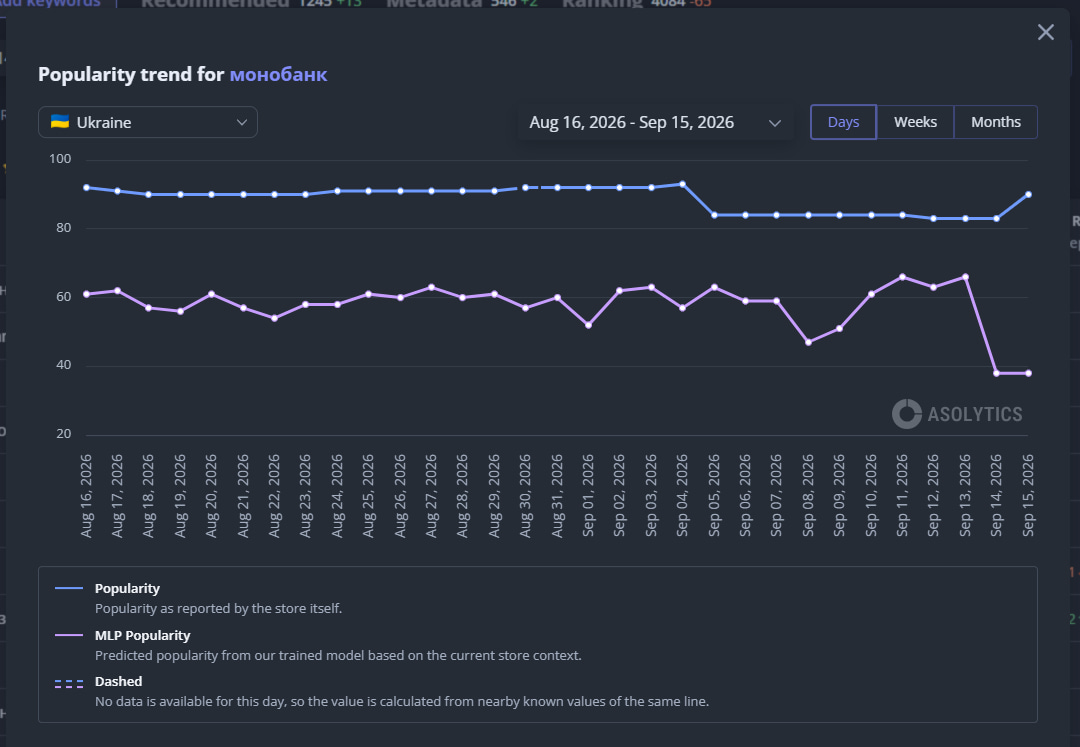
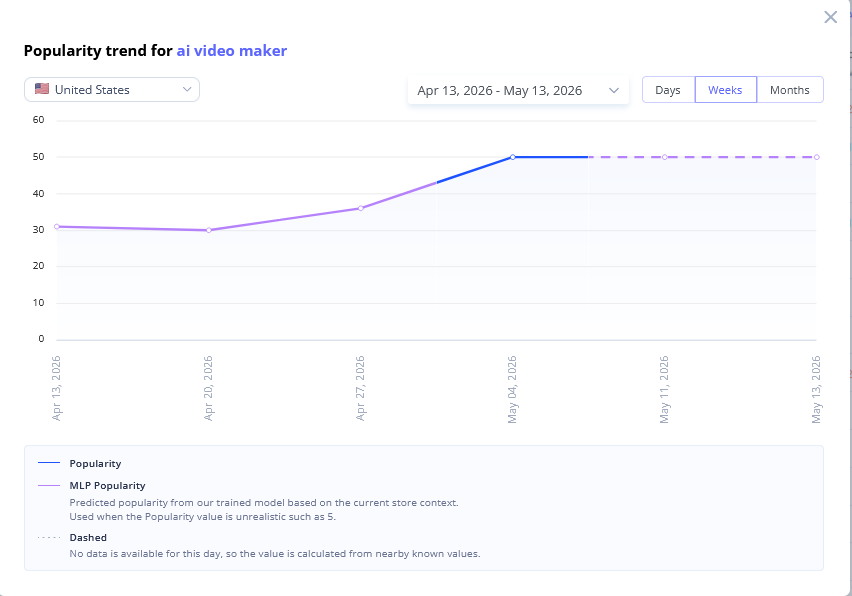
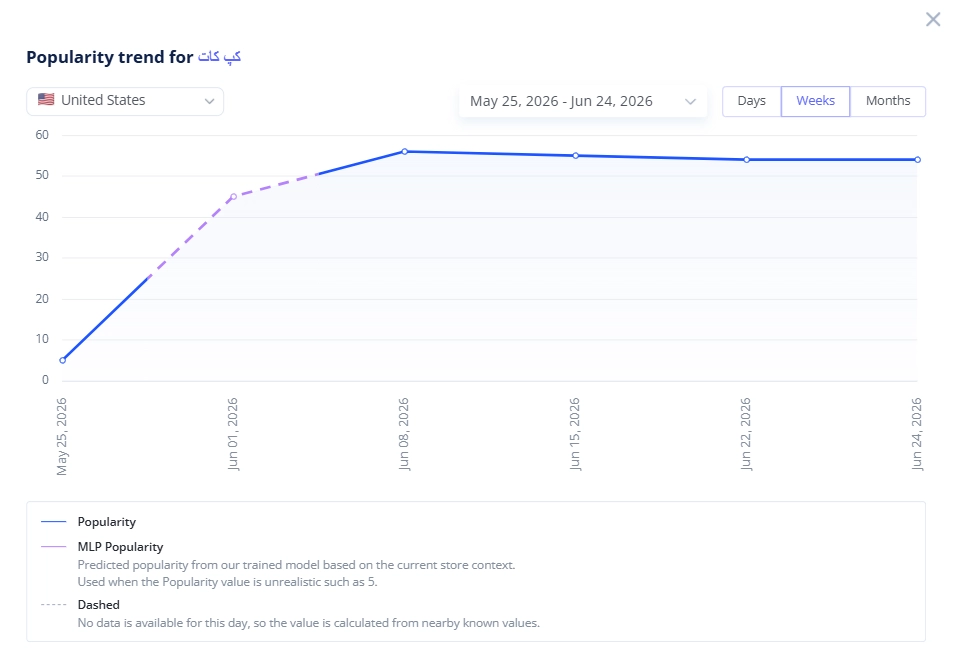
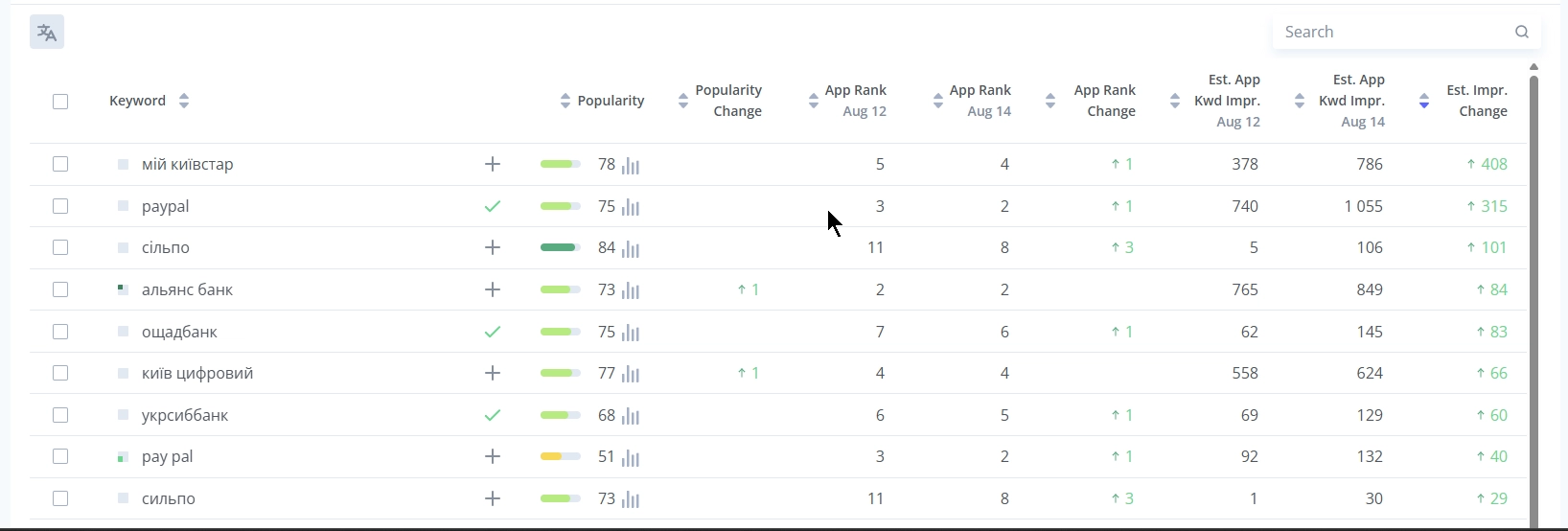
  • Added ability to select the period for keyword popularity history.
  • Improved behavior of App Page → Search Visibility:

- added Rank Breakdown chart

- significantly improved tab loading speed

- fixed styles and tooltips

  • New clear Competitor Filter Format!

- now it's a single number indicating either from which point or up to which point (non-competitors)

- added checkbox to include/exclude Indirect Competitors

- auto-approval settings now display all filters on one screen - the “More Filters” option has been remove

  • Fix: bug with “Words to Use” in Meta Editor App Store (disappearing words).
  • Fix: issues with displaying metadata in Meta Analysis tool. All metadata now loads correctly across locales.
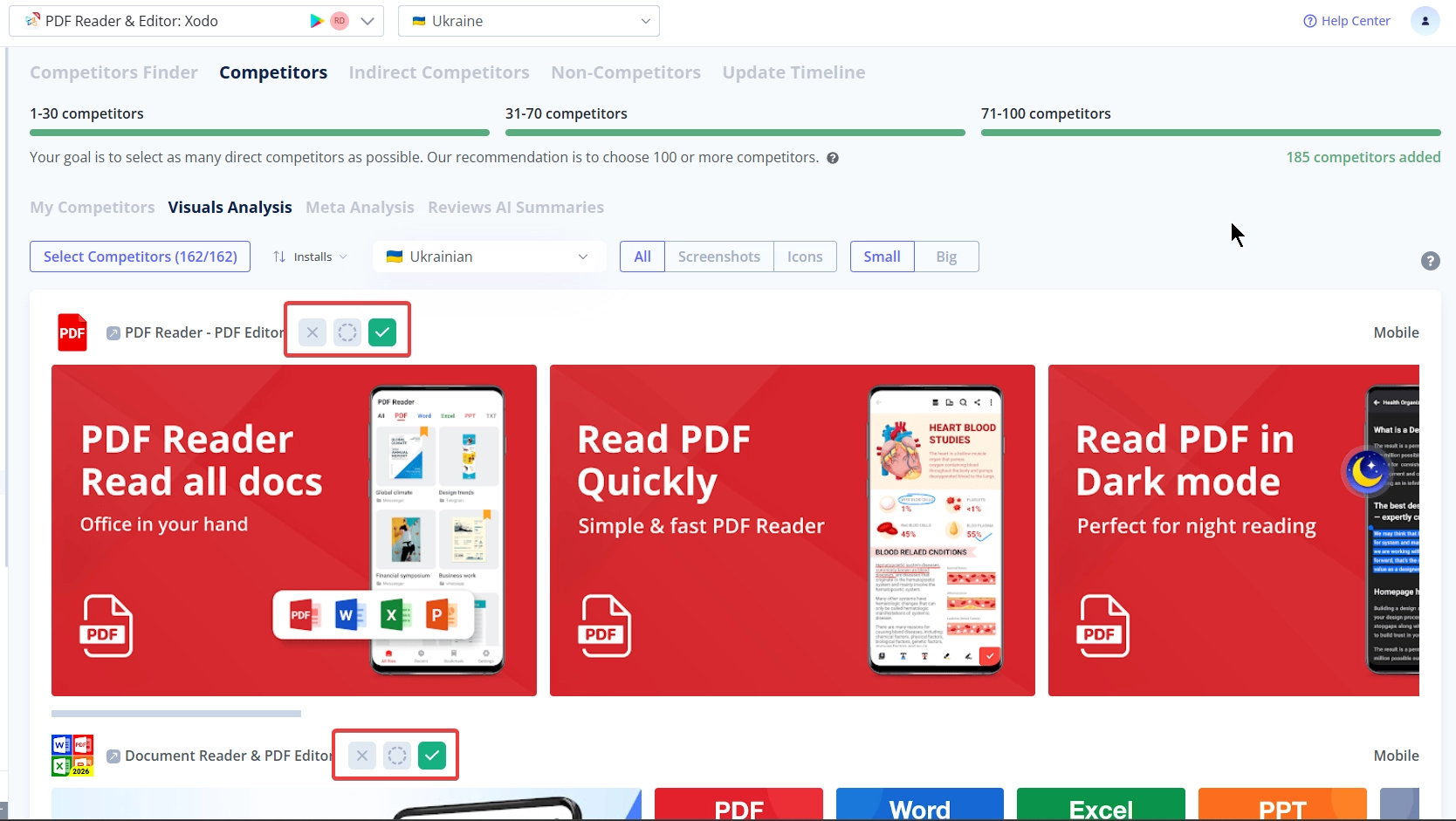
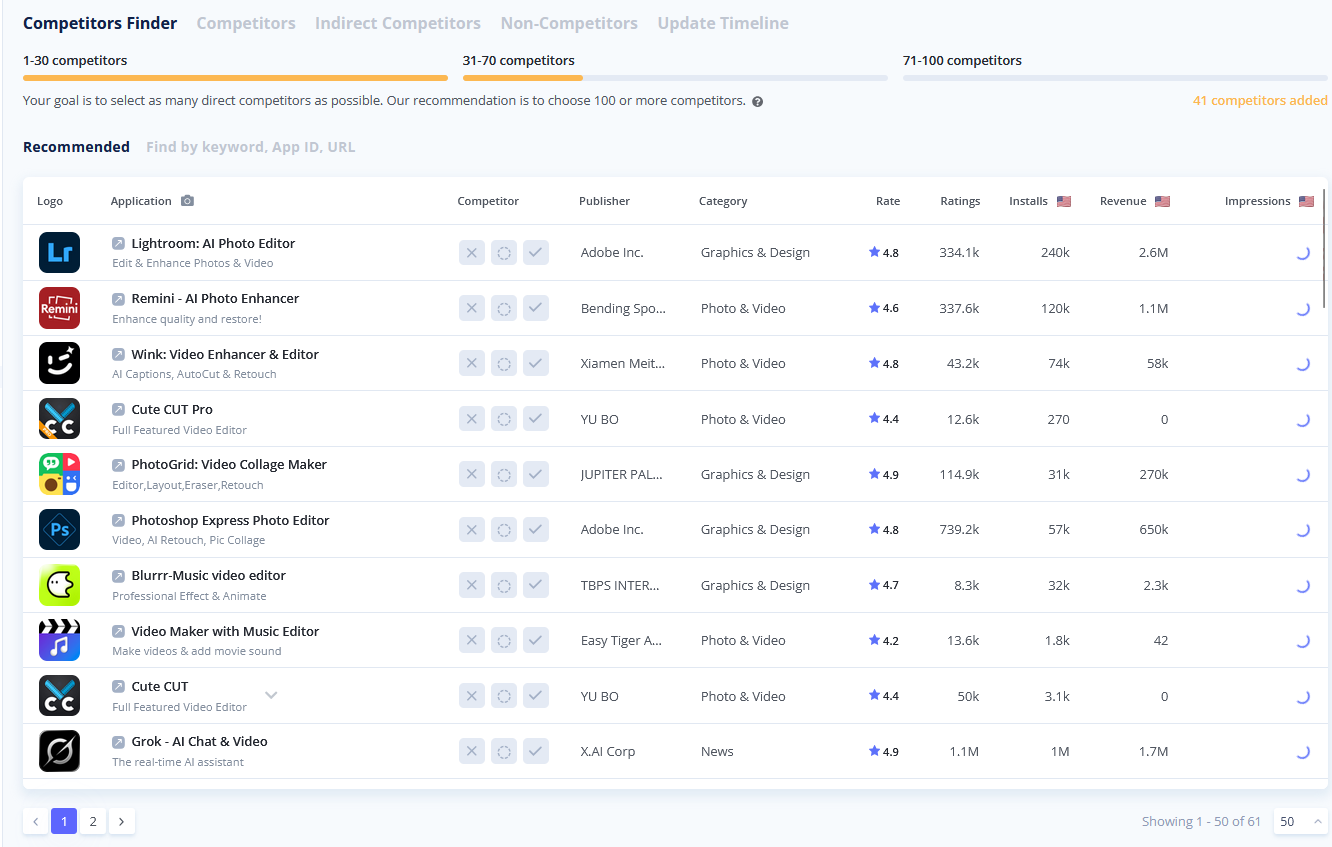
  • Fix: Competitors Finder enhanced screenshot display.


4 months ago