🚀 Store Charts Massive Upgrade
We have completely updatedf the Store Charts tool and now you get a clear and immediate view into market trends and quickly find top apps.
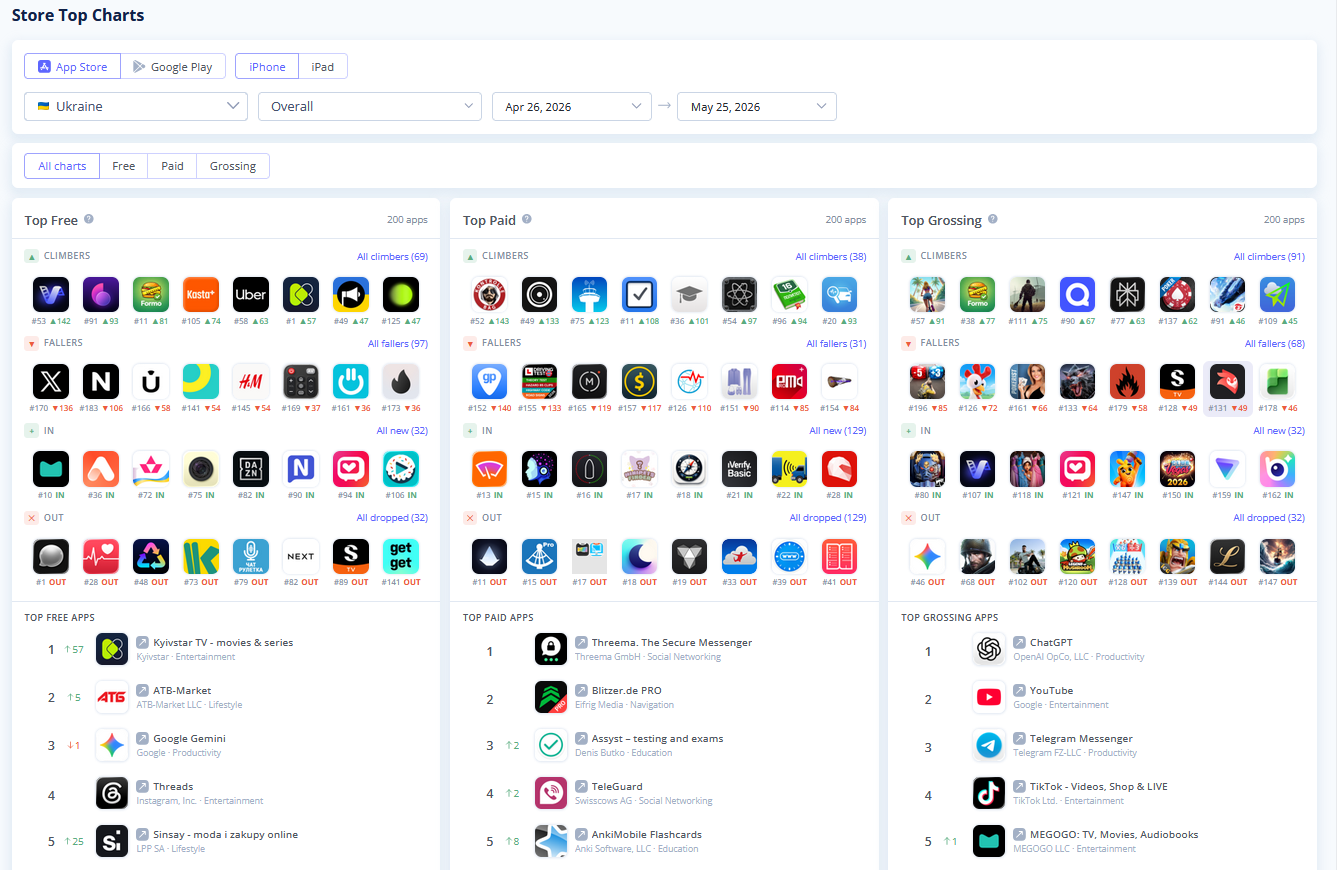
The main dashboard now features dedicated tables for Free, Paid, and Grossing apps, packed with actionable data to refine your ASO strategy:
- Spot the Market Movers: Instantly track the most dynamic apps in your category with four new quick-access boxes: Climbers (growth), Fallers (rank drop), In (newly ranking apps), and Out (apps that dropped from the charts).
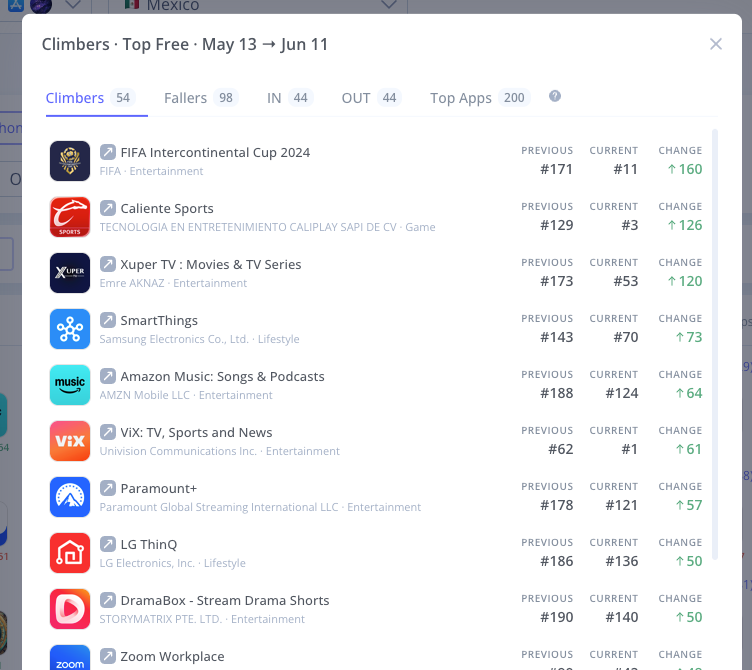
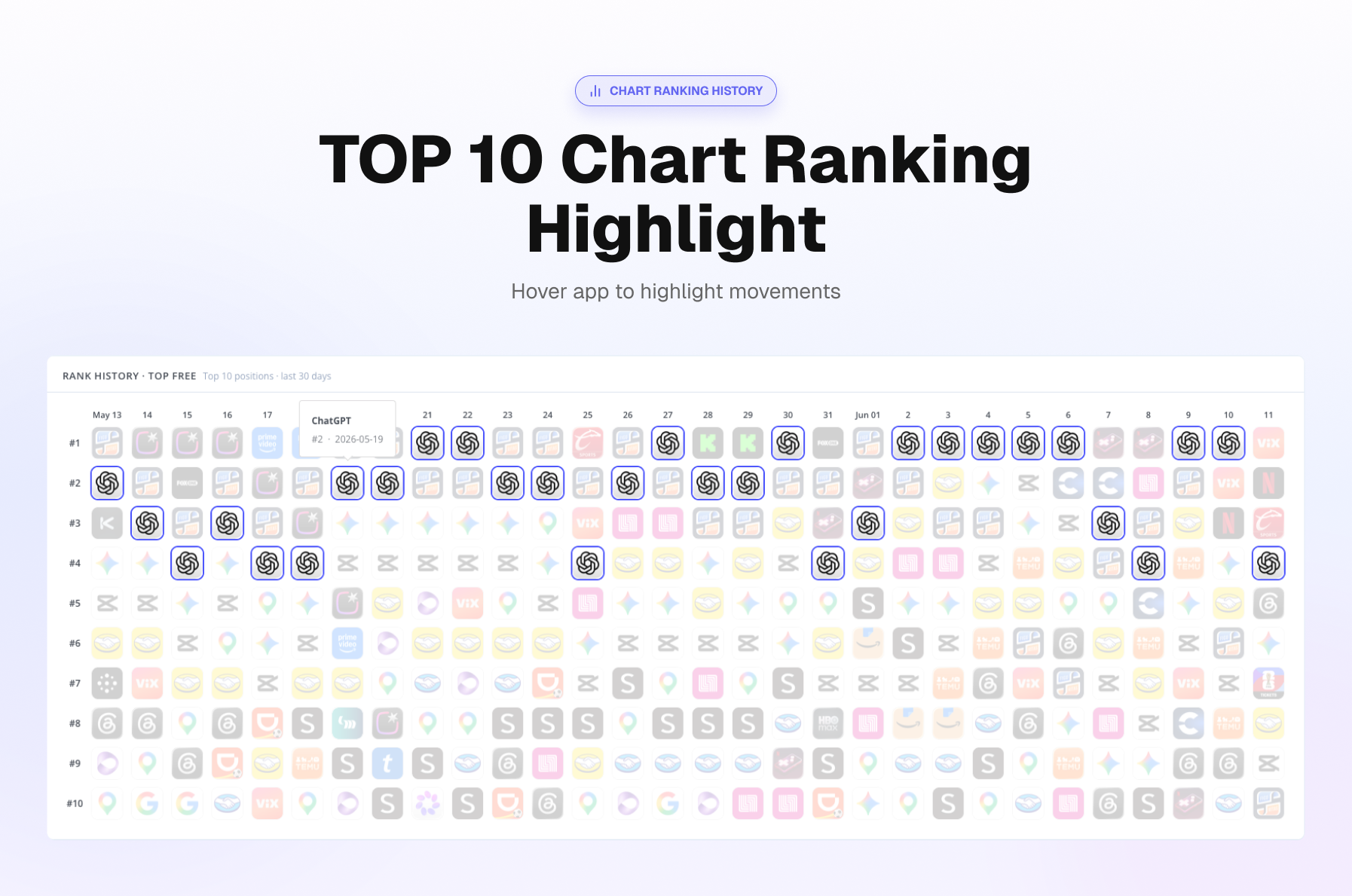
- Compare historycal Top Chart Rankings: When you select a specific section (Free, Paid, or Grossing), it opens a highly detailed analytics table for that category. You can now select multiple apps directly from the table to compare their ranking dynamics side-by-side.
Top 10 Ranking Dynamics: Hover over an app to see recent ranking changes over last 30 days.
- See All Countries on One Page: Choose the countries you want to track and view them all at once.
- Easy Export: You can now copy the entire Store Charts table and paste it directly into Google Sheets or Excel.
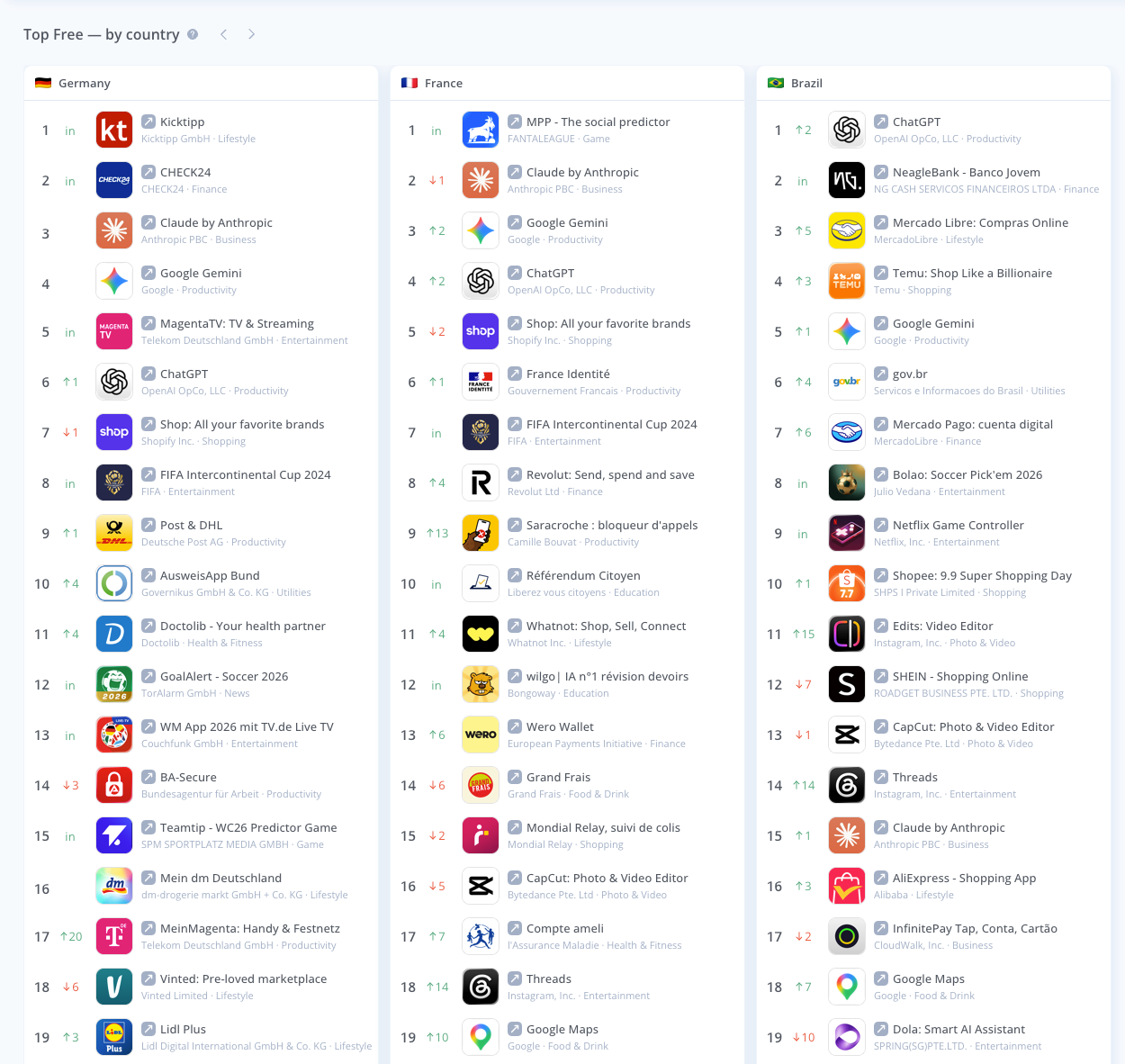
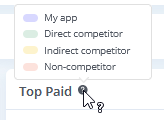
- Smart Competitor Highlighting: Instantly see who is who in the top charts. The tool now visually highlights Your app, Direct competitors, Indirect competitors, and Non-competitors directly in the lists.
⚡ Features & Improvements
- Lightning-Fast Market Research: Market research has just gotten much faster now. We have greatly improved loading speeds and raised the limit for competitor reports. Reports that used to take minutes are up to six to eight seconds now to load with as many as 300 competitors. End that waiting and frozen displays forever.
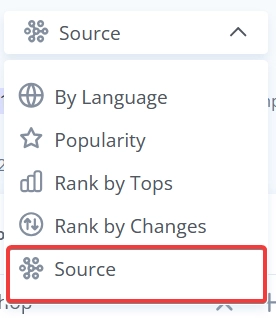
- Keyword Grouping by Source: Keywords in the Recommended tool are now grouped by Source.

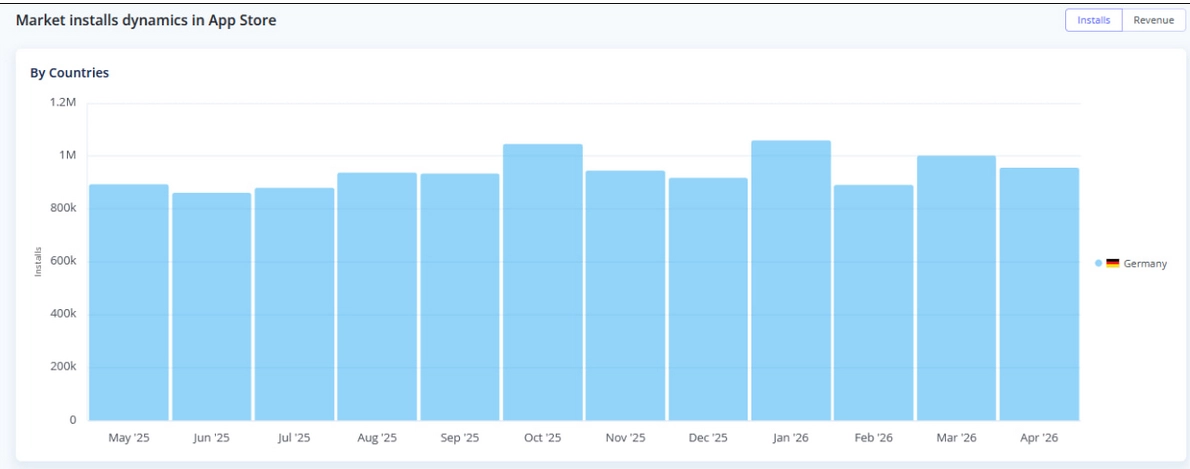
- Improved Market Research Visuals: When filtering your Market Research report by a single country, the tool now displays a dedicated by countries graph for installs and revenue, making your localized market analysis much more intuitive.