
New Tool 🗓️ In-App Events for App Store:
A new tool for tracking promotional activities - the In-App Events tool. We've got a new tool called In-App Events. You can easy track App Store competitors In-App Events now.
Key features:
Interactive Gantt Chart: Get a clear visual timeline of your events alongside your competitors'.
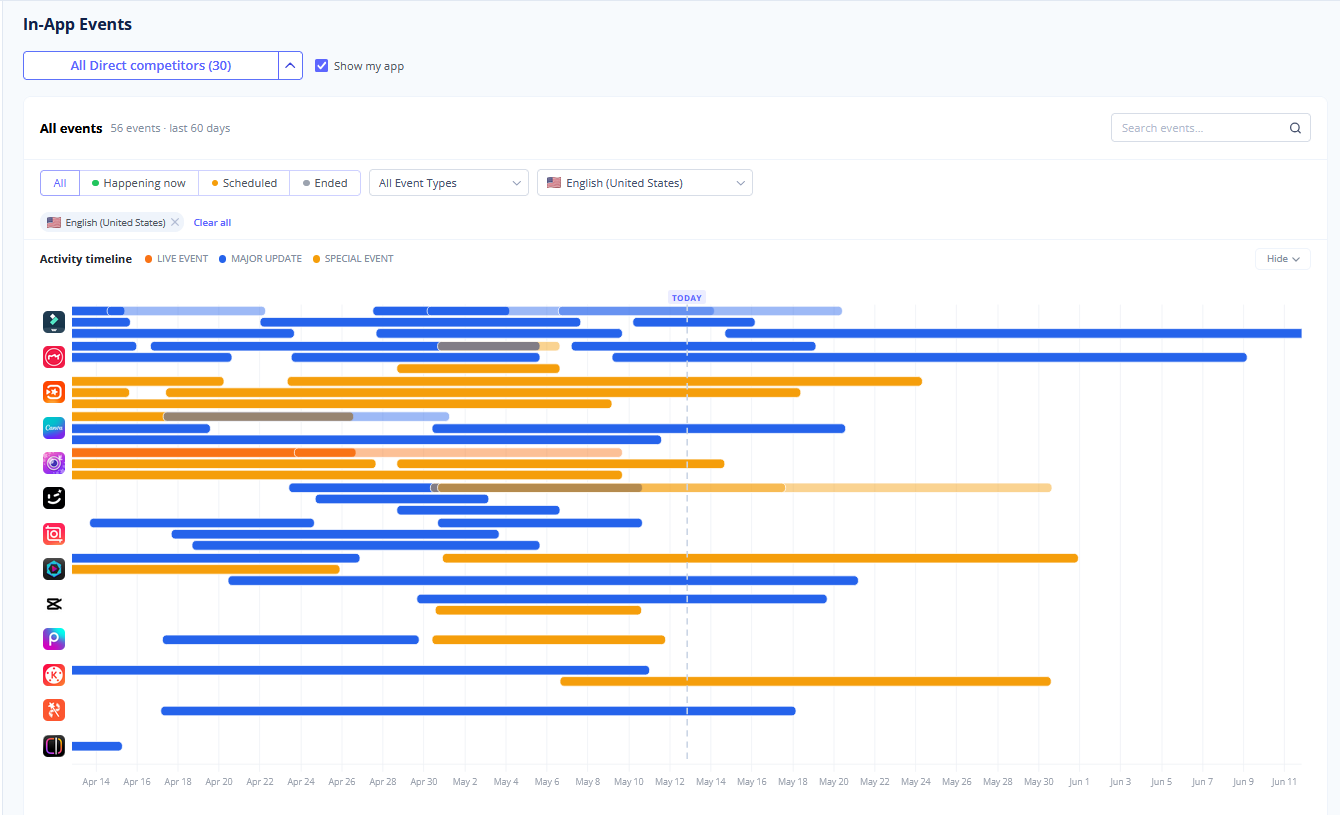
Filtering: Sort and filter events by their specific type - Live Event, Major Update, Special Event, or Challenge - so you can analyze exact marketing strategies.
Comprehensive Event Table: Find a complete, structured table below the chart showing all the events currently displayed on your graph.
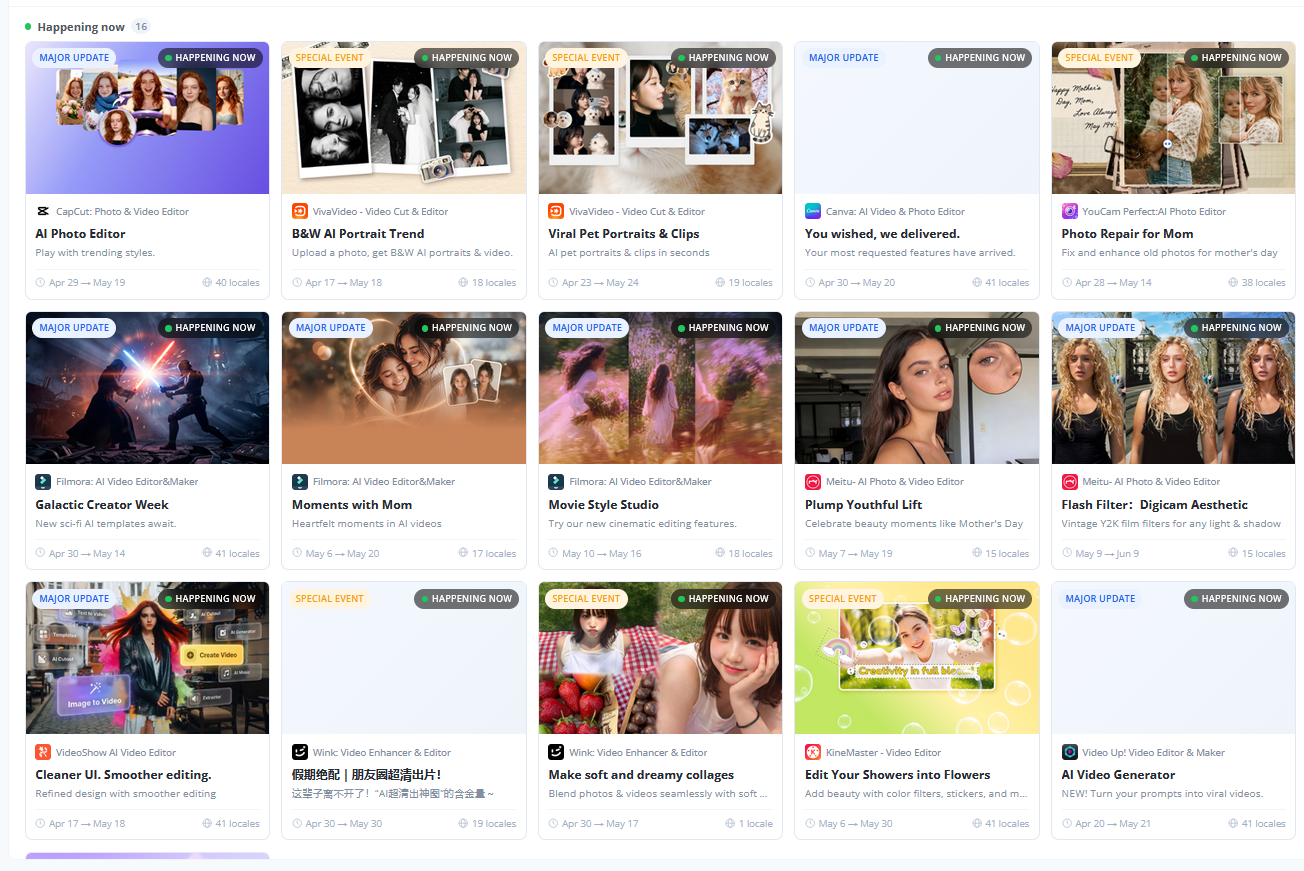
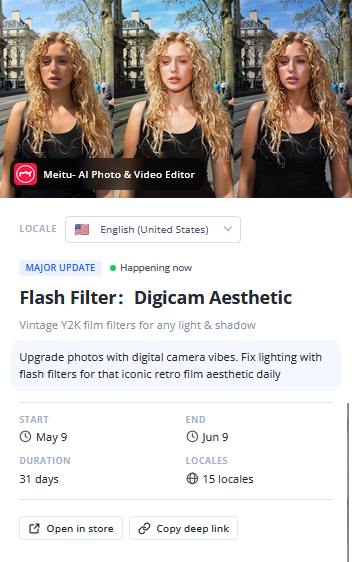
Detailed Event Insights: Click on any specific event to open a full breakdown and see exactly how competitors are presenting their updates or challenges to users.
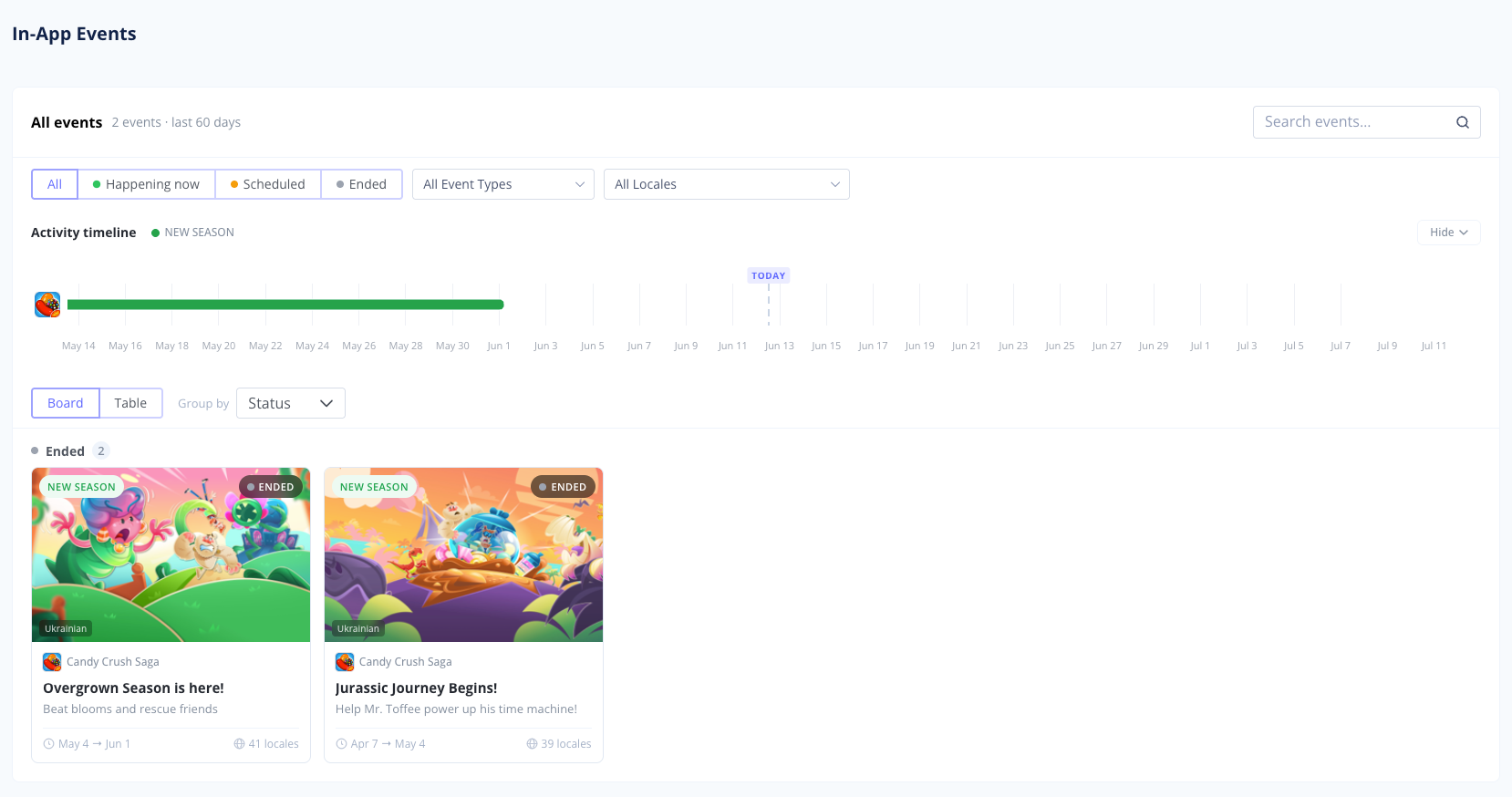
 See In-App Events on App Page
Now when you open app page you can see all running and past events:
Keyword Management Update 📁
We've made organizing your keywords even easier. .
- Favorites Stand Out: If you add a keyword to the "Favourites" folder, it will now appear in bold in the general list. You won't lose sight of your most important terms!
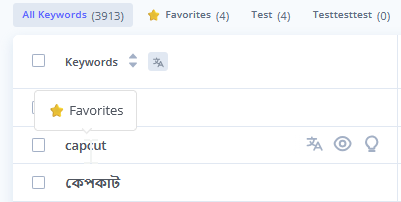
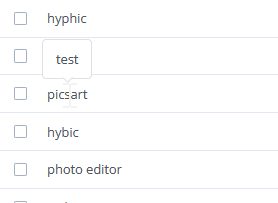
- Hover Tooltips: Added a keyword to a different custom folder? Just hover over it, and a handy tooltip will pop up showing exactly which folder it belongs to.
New Feature 🧠 Smart ML Popularity Predictor
We built a powerful new Machine Learning model that predicts App Store keyword popularity with incredibly high accuracy. By analyzing a massive number of market parameters, our algorithm calculates the true search volume so you always know exactly which keywords are worth targeting to multiply your downloads.
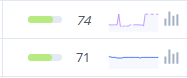
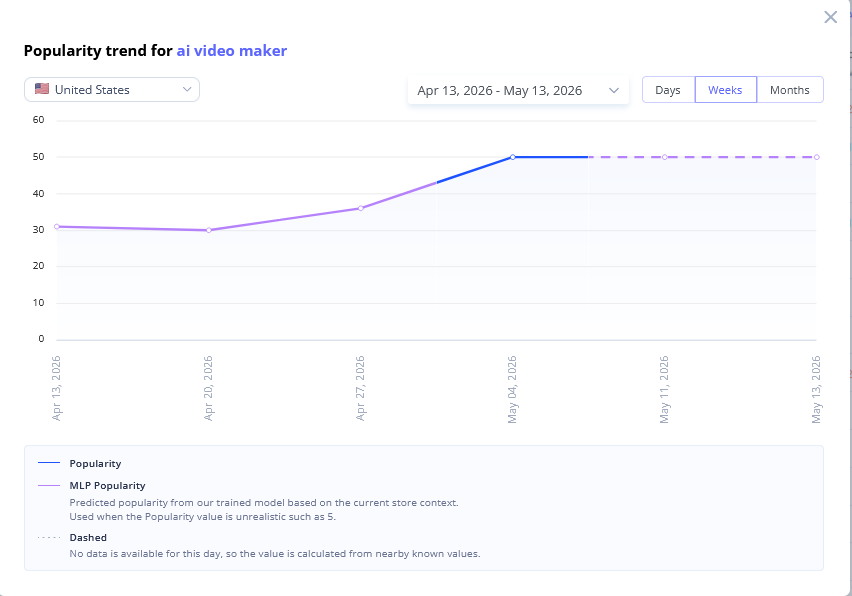
- Detailed timeline: If you open the full modal chart, you can clearly track the entire history.
⚡ Features & Improvements
- Lightning-fast Recommended Keywords: We've really speed up Recommended Keywords tool. Our algorithms now find top performing search terms for your app much faster now. That lets you wait less and spend more time optimizing to boost downloads.
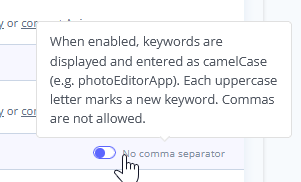
- New Metadata Keywords Trick in App Store Meta Editor: You can now add keywords to metadata using more ways. You can now use Camel Case in addition to just using a list separated by commas. This removes more punctuation and lets you add more keywords.
🐞 Fixes:
- Charts: Fixed the logic for the "Other" grouping. Previously, with low overall installs or revenue, all apps could incorrectly group into the "Other" category.
- Tracking: Fixed an issue where the keyword popularity chart modal would not open.
- Competitors Finder: Fixed a pagination bug that forced you back to page 1 after marking a competitor from the suggested list.
- Category Ranking: Fixed a bug that caused the chart scale to display incorrectly.
- Tracking: Fixed an issue where the app's rank for a specific keyword was displaying incorrectly.
- Meta Editor: Fixed a bug where keywords were not displaying word-by-word for the Thai locale.
- Meta Editor: Fixed an issue where the word counters were updating too slowly.
- Competitors Finder: Fixed a bug where the competitor app's category was missing from the suggested list.
- Metadata: Fixed an issue where app metadata would not update on demand.